
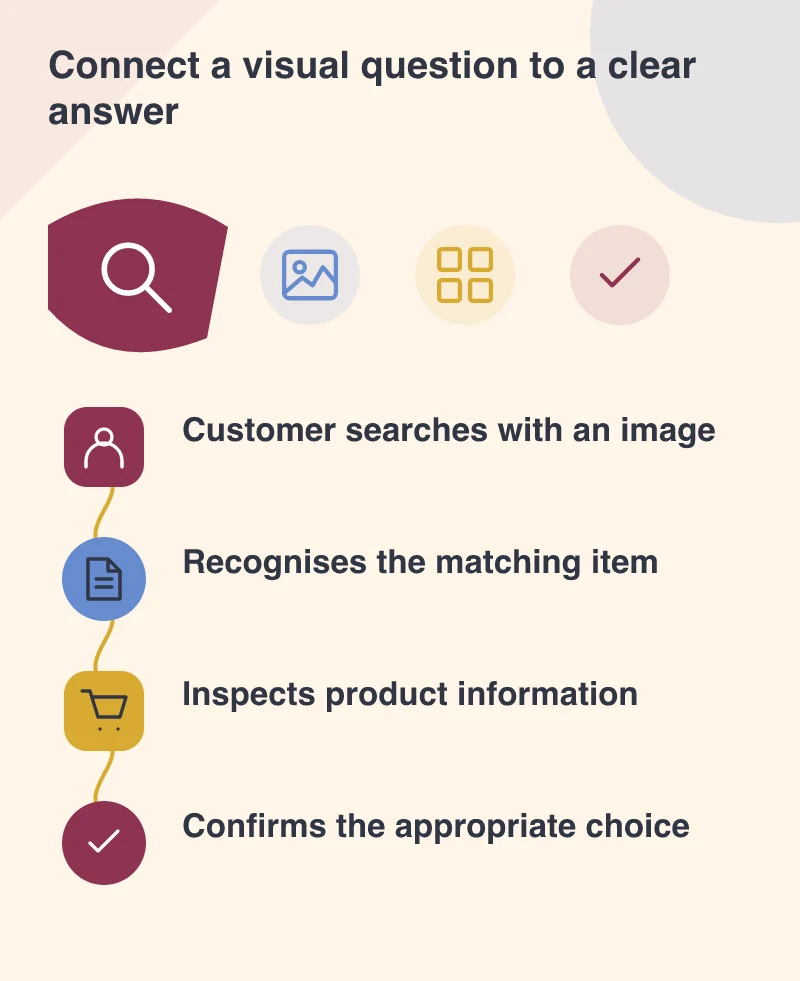
A customer may know what a fitting looks like without knowing its name. They take a photograph and search from the image. If they reach your site, the product page needs to do more than display an attractive picture: it should help them confirm whether they have found the right item.
See the visual entry point
Google’s September 24 Search Console announcement adds multimodal search reporting, including searches through Lens, Circle to Search, image uploads and Chrome’s image-search action. The new filter is rolling out globally. It provides another way to inspect how visual discovery connects people with content.
This does not mean a particular photograph will appear or generate enquiries. It gives businesses evidence to investigate when relevant data is available. Start with the product groups where visual identification is a natural customer problem, rather than redesigning every image around a new report.
Show the details that distinguish the item
For an industrial component, the connector, scale and shape may matter more than an atmospheric background. For furniture, dimensions and finish can help the visitor verify a match. A useful image set makes those distinctions inspectable instead of relying on a single hero photograph.
Imagine two fittings with similar silhouettes but different connections. The page should show the relevant difference and explain it in text. The visitor needs a route from “this looks similar” to “this matches my requirement”, with an appropriate way to ask when they remain unsure.
Make the landing page confirm the context
Use a clear product name, relevant specifications and a visible relationship between the photograph and the described variant. Do not let the visitor arrive on a generic category page and guess which item matched the image they searched.
Keep the image delivery lightweight enough that the supporting information remains comfortable to use on a phone. Provide meaningful alternative text according to the image’s role, and avoid placing essential specification information only inside a photograph or graphic.
A readable diagram can complement photography where dimensions are difficult to judge. It should explain the item, not decorate the page with unsupported technical detail.
Use reporting to find editorial gaps
Review which pages receive relevant visual-search exposure, then inspect their images and explanations. A recurring mismatch may suggest a clearer variant image, a missing close-up or better wording. Those improvements are useful to ordinary visitors too.
Product photography can be a working part of the buying journey. It helps people identify, compare and confirm. New reporting makes that role easier to examine, while the business still owns the quality of the product information that follows the image.