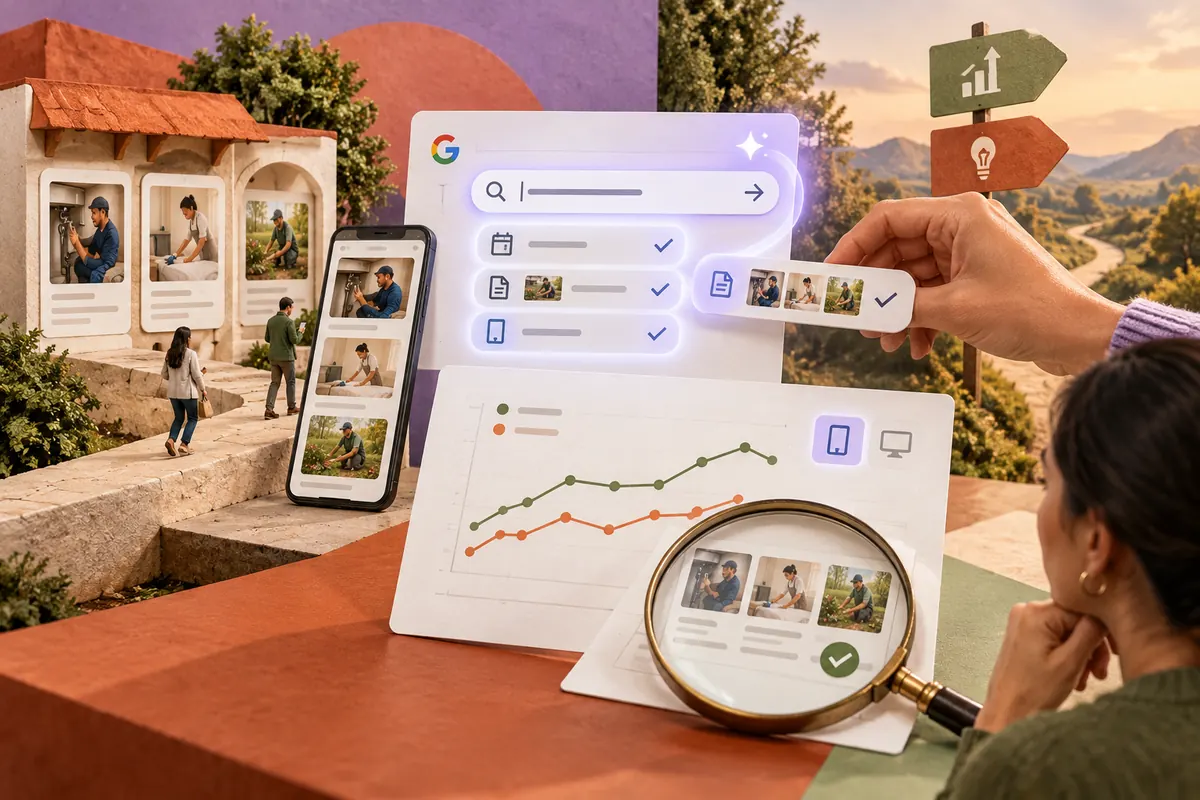
A report request often begins simply: “How are our service pages doing on mobile?” Turning that into the right dates, page filter and device selection takes several clicks. Search Console’s new AI-powered configuration can help with that setup. The more interesting work is deciding what the answer would mean.
Ask for a comparison with a purpose
Google announced the experimental feature on December 4, with a limited rollout. It can translate natural-language requests into filters, comparisons and metric selections in the Search results Performance report. It is a configuration aid, not a substitute for interpreting the data.
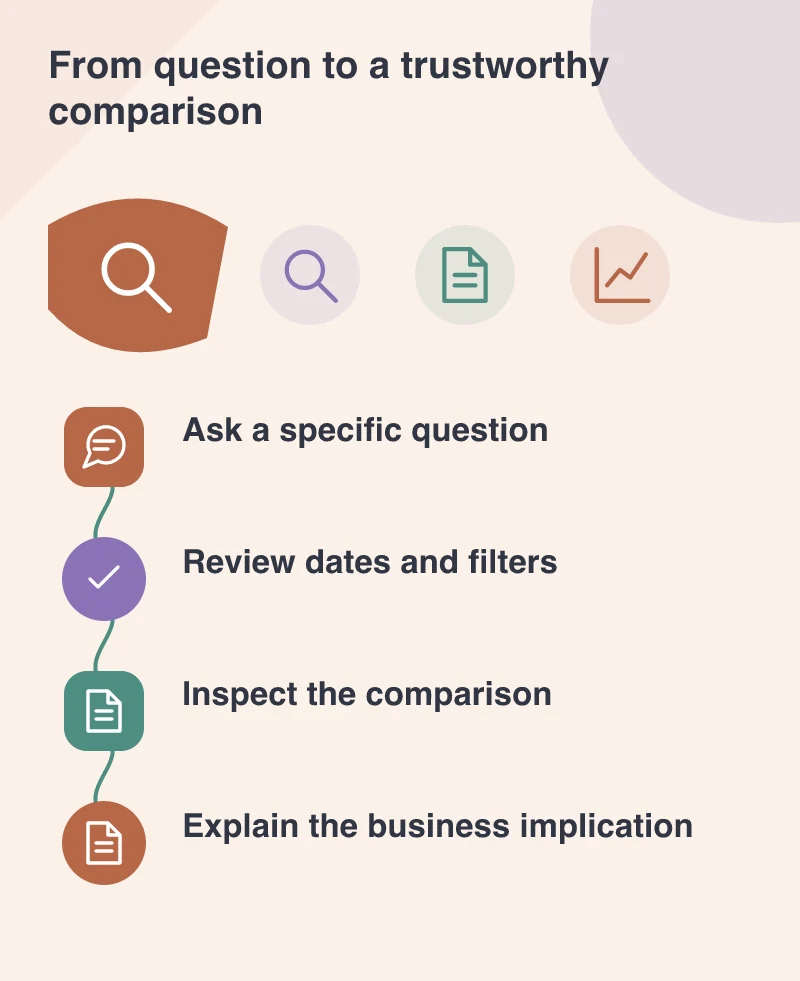
A stronger request specifies the page group, device, time range and comparison. For example, a team reviewing a redesigned service section can compare its mobile search performance across two relevant periods. That is more useful than asking whether “SEO is better” without defining the part of the site under discussion.
Inspect the filter before reading the chart
Google explicitly warns that AI can misinterpret requests. Check the suggested configuration, especially the dates and the pages included. A neat chart based on the wrong page group can be more misleading than a visibly unfinished report.
Imagine a site with both service pages and service-related blog posts. A broad word match may include both. If the business question concerns enquiries from the service section, that extra content changes the meaning of the comparison. Use a clear URL grouping and verify a few included examples.
Put the chart beside the website change
Search data becomes more useful when the team can connect it to a publishing decision. Record what changed: page titles, navigation, content, URLs or a technical setting. A movement in clicks alone cannot identify which change caused it, particularly when several things moved together.
Look at impressions, clicks and the relevant query or page detail together. Then connect the search visit to the onsite task through the appropriate analytics. Search Console helps explain visibility and search interaction; it does not by itself tell the full story of an enquiry or purchase.
Use a simple naming convention for recurring page groups and reports. When everyone means the same URLs by “service pages”, the team can discuss changes without first rebuilding the scope of the analysis in each meeting.
Make the answer easy to revisit
Save a short description of the question and the reviewed configuration alongside the findings. Another person should be able to reproduce the comparison without guessing what “mobile performance” meant in the meeting.
The new feature can remove some setup friction and make exploratory reporting more approachable. Its real value appears when that convenience helps the team ask more precise questions. A well-framed comparison produces a discussion about customers and content, rather than another screenshot that nobody can explain next month.