An article with several photographs can be informative and still feel tiring on a phone. The reader waits for files they have not reached, or loses their place when an image appears above the paragraph they are reading. WordPress 5.5, released in August, introduces native image lazy loading. It is a useful improvement, but it works best alongside deliberate decisions about what each image contributes to the page.
The platform can help with timing
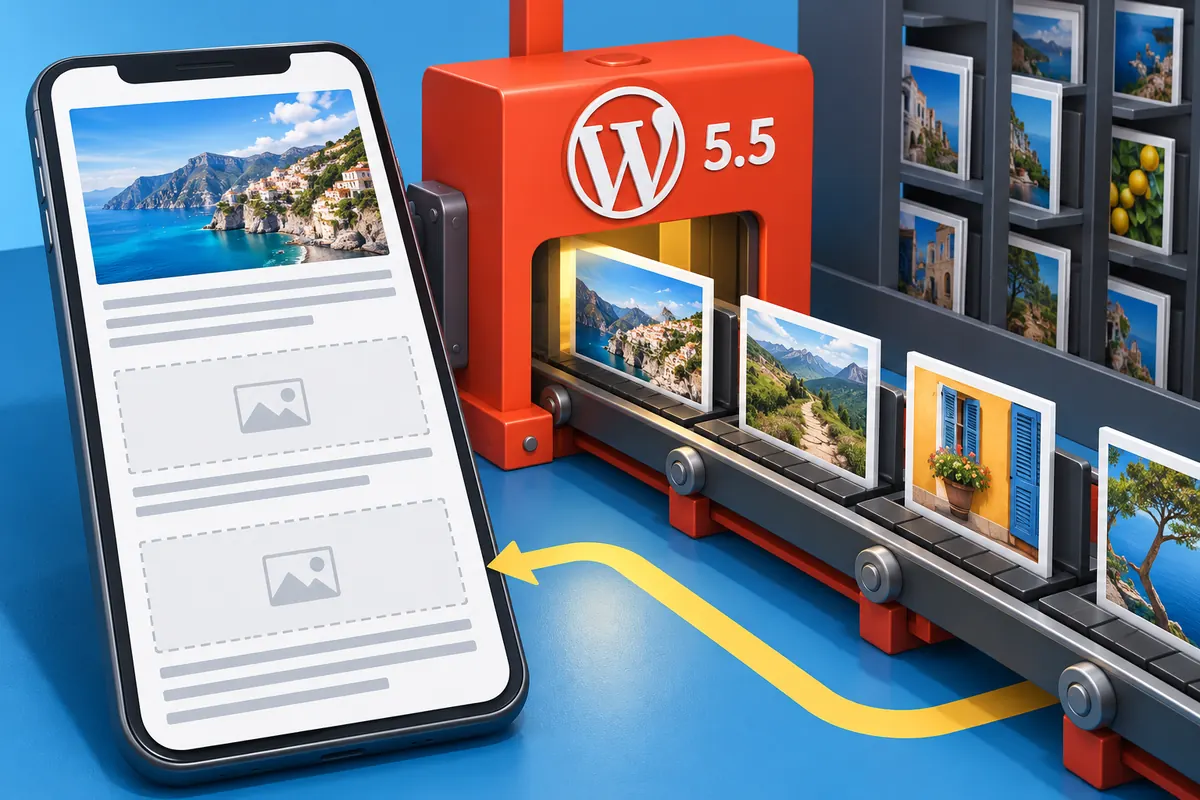
WordPress 5.5 adds lazy loading for images, alongside other changes including XML sitemaps and options for automatic plugin and theme updates. Lazy loading allows suitable images to be requested closer to the point where they are needed, rather than treating every photograph in a long article as equally urgent at the start.
That does not make the size or purpose of an image irrelevant. A very large file can still be expensive when it is eventually loaded. An image with no useful role can still interrupt the reading flow even if the browser delays downloading it.
Make the first view intentional
For a travel article, the opening image might establish the location while later photographs explain a route or a detail. The first image has a different job from the tenth. Review the initial screen on a phone and ask what a reader needs to see before deciding to continue.
Avoid placing several competing banners above the introduction merely because the template has room for them. The text, title and lead image should establish one understandable beginning. A loading enhancement cannot decide that hierarchy for the editor.
Reserve space and write useful alternatives
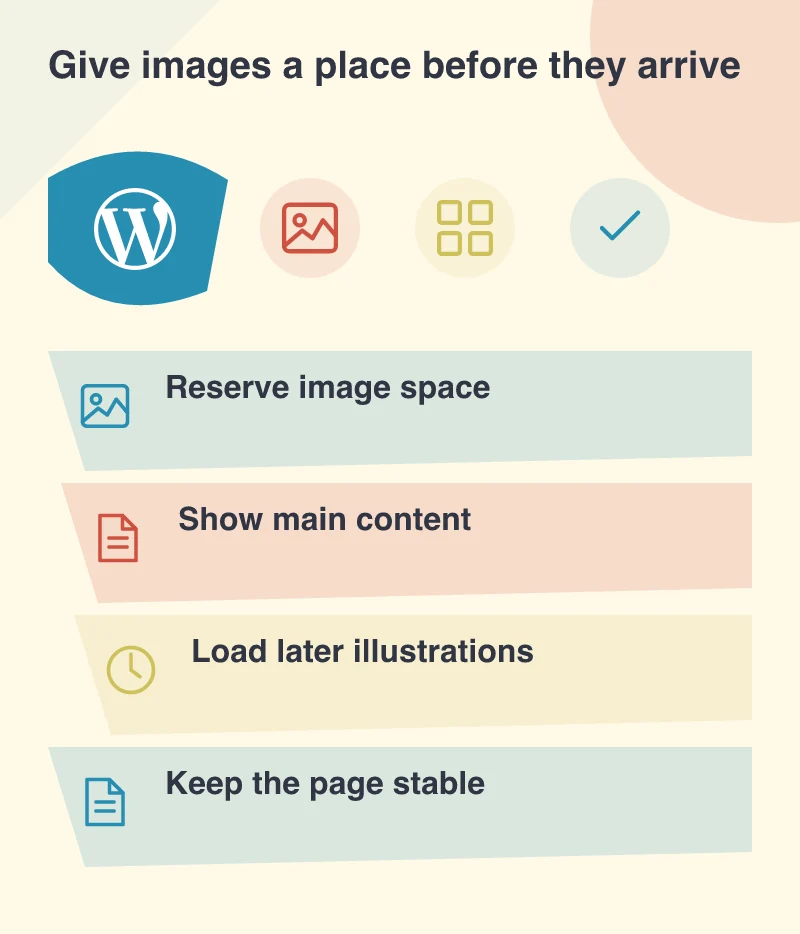
Images should have appropriate dimensions so the layout can make room for them. This helps prevent the surrounding content from jumping when files arrive. Test an article with slow image delivery rather than assuming a fast office connection represents the reading experience.
Alternative text also belongs to the publishing task. Describe the information an illustration adds when that information matters to understanding the article. A decorative flourish may not need a verbal description, while a photograph showing an installation detail may need a precise one. Repeating the filename does not provide that explanation.
Build the check into ordinary publishing
Give editors a small set of image sizes and a clear way to choose the right one. Explain the difference between a useful inline illustration and an oversized photograph added only to break up text. The aim is not to remove visual interest; it is to make the images support the story without imposing avoidable work on the reader’s connection.
After upgrading, check representative posts, galleries and any custom image components on a test copy. WordPress’s new behaviour should be considered alongside theme and plugin output. August’s release offers a helpful default. The better long-term result is a publishing routine in which image purpose, dimensions, file weight and placement are considered together.