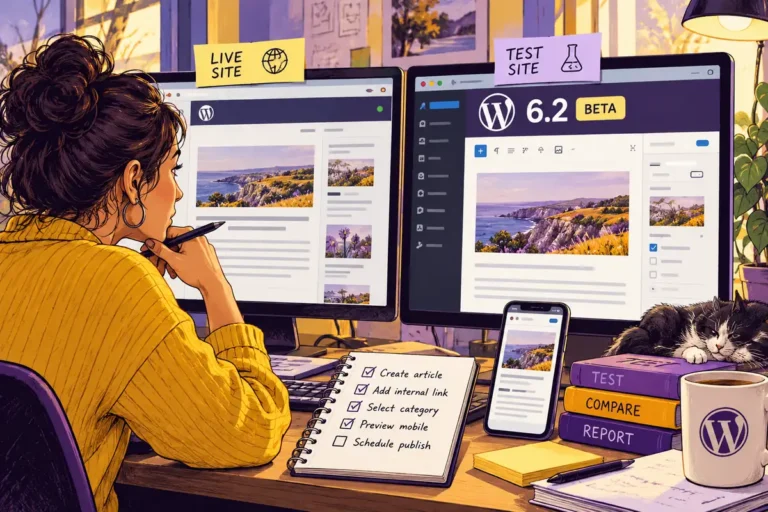
A website owner should not have to infer that an important update happened because the dashboard looks familiar. WordPress 6.2.2 arrives this May as a rapid response addressing a regression and further hardening a security issue from6.2.1. The release is a useful reminder that maintenance includes confirmation, observation and communication, not just starting the update process.
Read the release for the operational decision
The official announcement recommends updating because this is a security release. It also explains why another release followed so quickly. That is different from a routine feature announcement and deserves an appropriately prompt response from whoever is responsible for the site. Avoid treating every notification as an interchangeable item in a monthly checklist.
At the same time, keep the explanation proportionate. A site owner needs to know what action is being taken, whether there is an observed problem on their site and what will be checked afterwards. A release note is not evidence that a particular website has been compromised, so do not turn a general update into an unsupported incident claim.
Verify what is installed
Some sites support automatic background updates; others have a different maintenance arrangement. Check the resulting installed version rather than assuming the update succeeded because it was expected to run. If it did not complete, investigate the actual failure and assign the next action to a named person.
Keep a usable recovery plan and an appropriate backup as part of normal operations. That preparation should exist before an urgent release arrives. It is also useful to know who can access the hosting environment when the usual administrator is unavailable. Maintenance responsibility becomes much clearer when it is attached to an operating process instead of a vague promise.
Check the work that matters to this website
For a block-theme site, examine representative templates and any important shortcode-dependent content in light of the release’s stated area. Then check a small set of everyday jobs: editing a page, opening the navigation, viewing a key landing page and submitting a clearly identified test enquiry to the intended test destination.
Do not send a real customer message or create an unintended business transaction merely to prove a form works. A controlled test should be easy to recognise and trace. Where a change affects something important, record what was tested and what the expected result was, so another person can understand the evidence later.
Close the loop with the owner
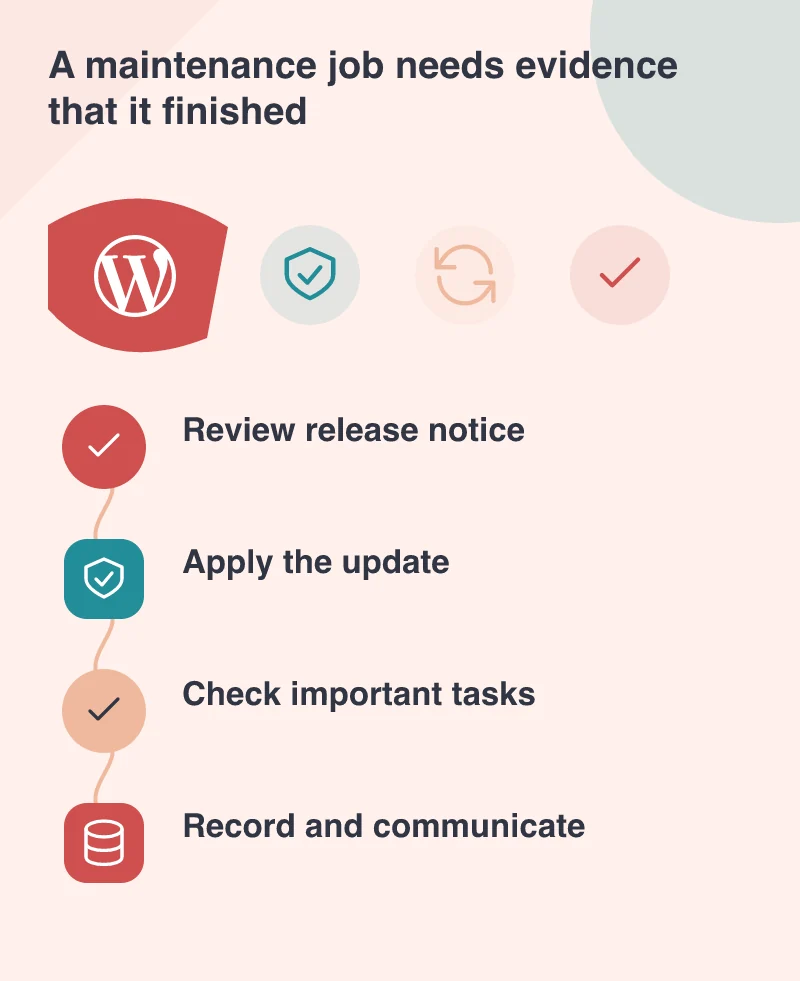
A concise maintenance record can include the previous and installed versions, the time of the work, the checks performed and any issue that remains open. That is more valuable than a green tick with no context. It helps the next person distinguish a completed task from an assumption.
Prompt updating and careful verification belong together. The release process can respond to a newly discovered issue, and the site’s own maintenance process should respond just as clearly. An owner should finish with a known state and a named contact for problems, rather than wondering whether the most recent notice was acted on.