A new font can make a website feel different immediately. Ten new fonts can make it feel undecided. WordPress 6.5’s April Font Library gives block-theme sites more direct control over typography. The opportunity is not to fill the editor with choices; it is to establish a small type system that remains attractive when ordinary colleagues add ordinary content.
Choose roles before choosing more families
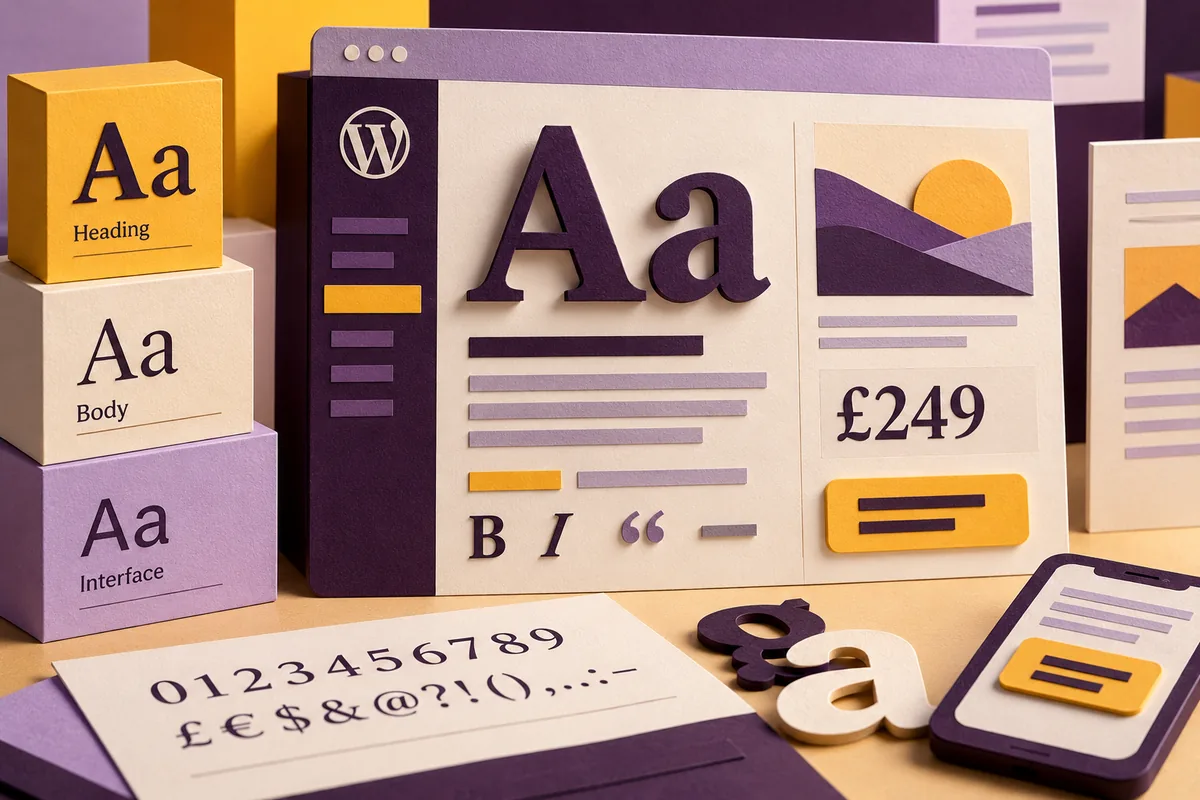
Decide what the site needs its typography to do. Headings establish hierarchy and character; body text supports sustained reading; interface labels need to remain clear in compact spaces. Those roles can often be served by a restrained combination rather than a different face for every section.
The Font Library makes managing fonts more accessible within the block-theme workflow. That convenience does not replace a design decision about which choices belong to the brand. Give editors useful presets and a clear explanation of their roles, so a new page begins with consistency rather than a fresh round of experimentation.
Preview the content that causes trouble
A short demonstration heading is a poor test for a business site. Try a long service name, a price with a currency symbol, an article containing emphasis and a button whose label wraps on a phone. Examine numbers, punctuation and the distinction between similar characters where those details matter.
Use real paragraph lengths and inspect the page at increased text size. A family that looks elegant in a large headline may be tiring in a detailed article. The reader’s ability to follow the content is a more useful criterion than whether the font happens to be fashionable.
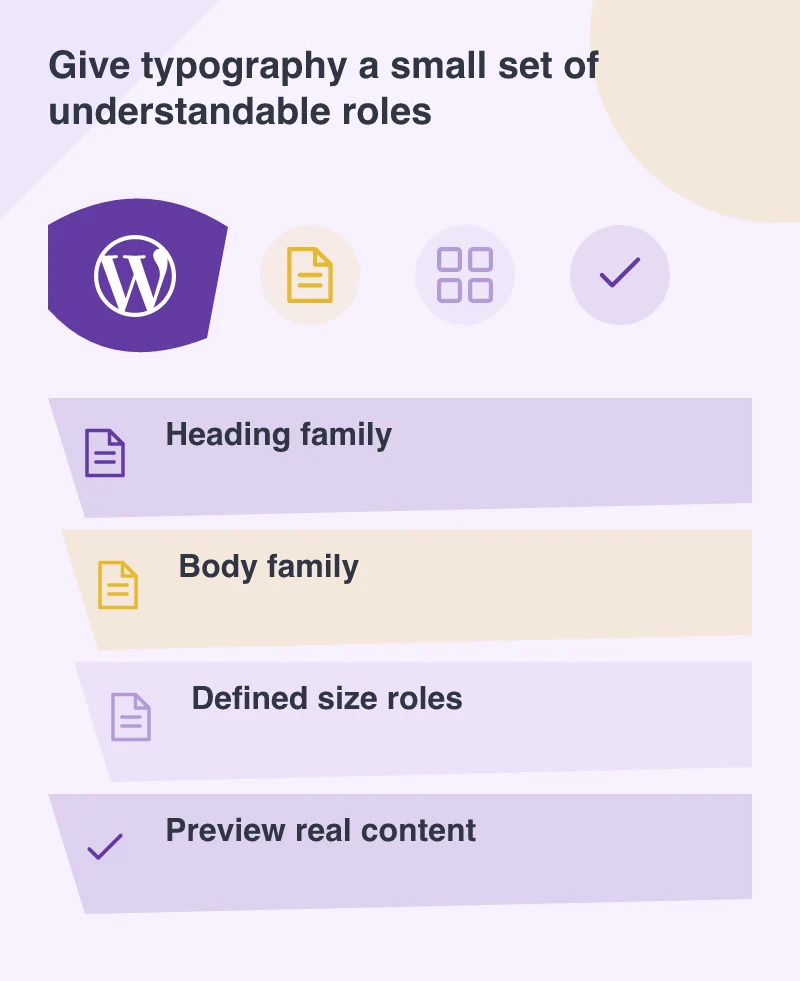
Keep delivery and usage in the same decision
Every selected font asset becomes part of the page’s delivery work. Review which families and weights are actually used, how they are served and whether unnecessary files are being loaded. A typography change should include a loading check rather than being treated as purely visual.
Understand the relevant font licence and hosting arrangement before adding a family to a project. Self-hosting can be an appropriate design choice, but it does not make every font freely reusable. Keep the source and permitted use documented so future updates do not depend on an assumption nobody checked.
Make the system easy to maintain
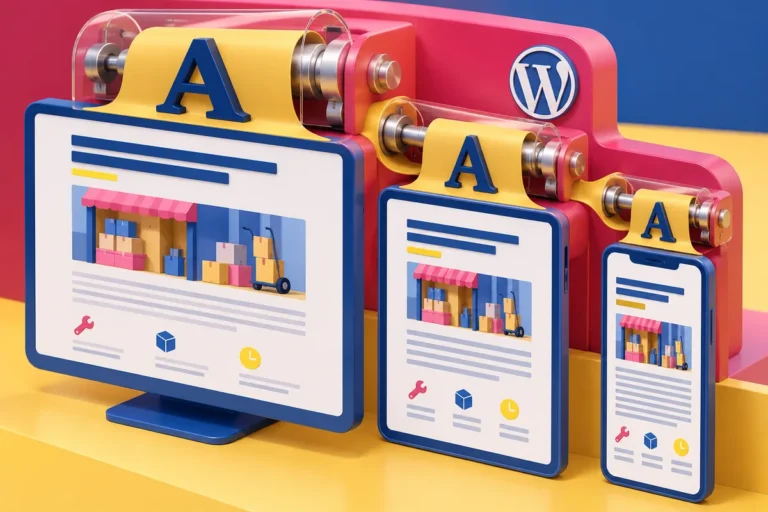
Show editors the difference between changing one heading and changing a site-wide style. Provide a small set of meaningful size choices and check how they scale across screen sizes. A person updating content should not need to recreate the hierarchy by guessing pixel values each time.
After introducing the fonts, review several page types together: a service page, an article, a form and a dense content page. The website should still feel like one coherent system. The Font Library is most valuable when it supports that coherence, giving the team enough flexibility to publish well without making every new page a separate typographic experiment.