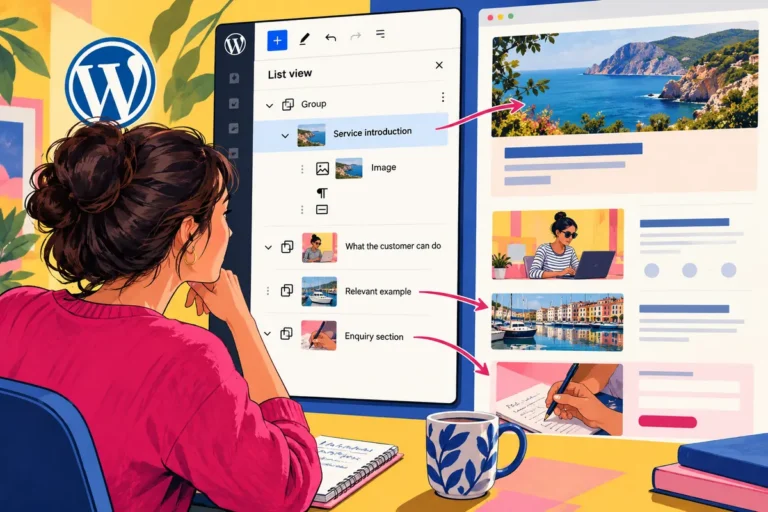
Three service pages share a good layout, but each needs to say something different. Copying the whole section makes future design corrections repetitive. Synchronising every word makes the pages sound identical. WordPress 6.6’s July pattern overrides create a more useful middle ground for supported blocks: keep the shared design while allowing selected content to vary in each instance.
Decide what is shared and what is local
The release supports overrides for specified Heading, Paragraph, Button and Image blocks within synced patterns. Start by identifying the parts of a section that should genuinely vary. A service title and introduction are likely local; spacing and arrangement may belong to the shared design.
Avoid opening every setting simply because an override is possible. The point is to give editors the right kind of flexibility. A clearly defined section can make a new service page easier to write without forcing the editor to rebuild its layout or guess which choices affect other pages.
Make the variation meaningful
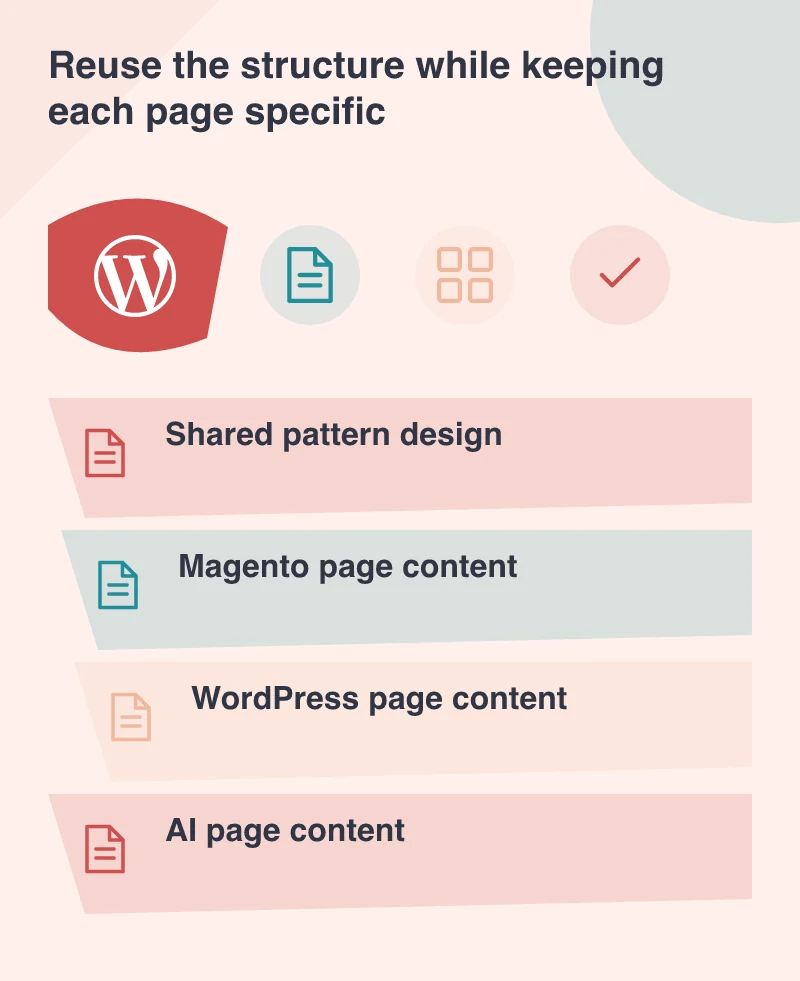
A Magento page might explain catalogue and checkout work, while a WordPress page describes publishing and maintenance. The same visual arrangement can help a visitor compare them, provided the actual message reflects the different problem being solved. Reuse should not become a reason to substitute a few platform names in otherwise identical copy.
Choose imagery and links with the same care. A button should lead to the relevant next step, and its label should describe that step. A local image should explain the specific service rather than decorate a repeated section with another interchangeable technology illustration.
Rehearse both kinds of change
On a separate test page, change an allowed local field and inspect other instances. Then make an intentional shared design change and check the affected pages. The editor needs to recognise the difference between an override and a pattern-level edit before using the workflow for routine publishing.
Keep the review grounded in the saved result, not just the editing screen. Confirm that the local content remains correct after a shared update and that the layout still accommodates long headings, different image proportions and mobile reading. Those are the normal variations a reusable section needs to support.
Keep ownership simple
Give the pattern a meaningful name and document who may change its shared design. A content editor should know which fields are intended for everyday work and when a broader change needs review. A pattern collection full of near duplicates can be as confusing as a page built from anonymous wrappers.
Pattern overrides help a website remain coherent while letting every page say something specific. Its value comes from a small editorial contract: these parts belong to the design, these parts belong to this page. When that contract is clear, the team can publish specific, useful content and still improve the common layout in one deliberate place.