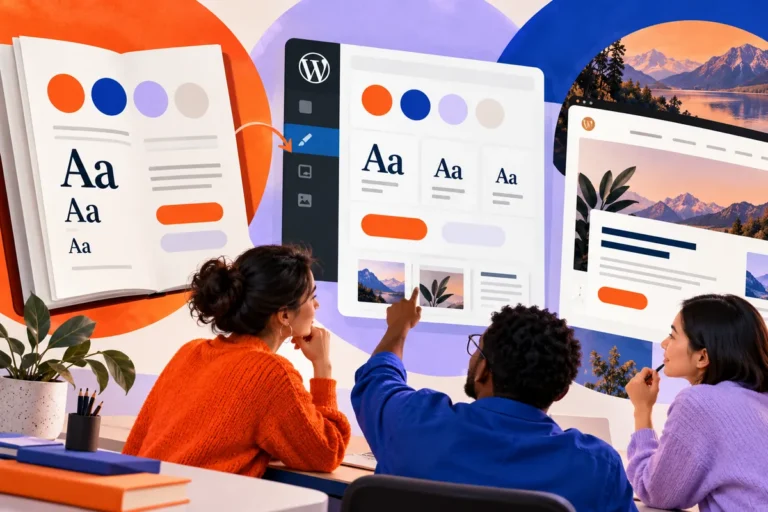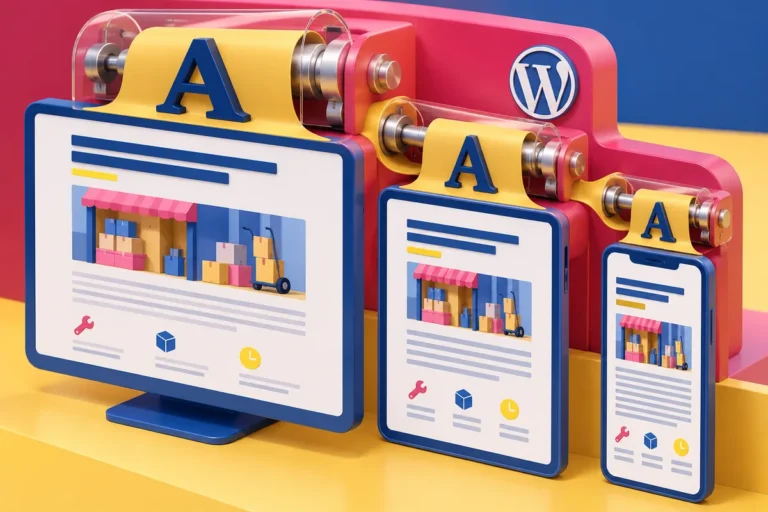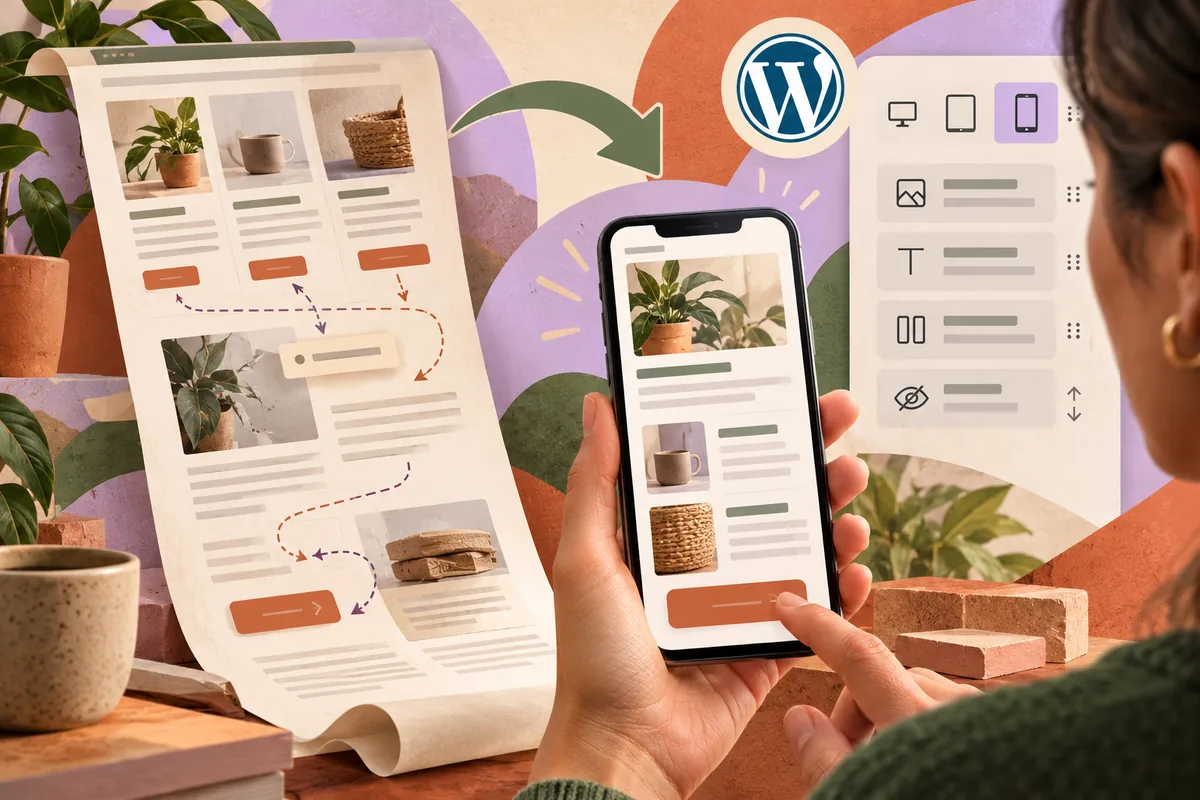
A three-column service section can become a very long phone page. The illustration arrives before the explanation, a small label floats far from its heading and the enquiry button appears twice. Responsive design needs more than a narrower canvas; it needs a reading order that still makes sense.
Use the new controls with a content plan
WordPress 7.1, released on August 19, brings responsive styling into the Site Editor, with viewport previews and controls in global or individual block styles. Editors have more direct ways to adapt a design across screen sizes. That flexibility works best within a clear information hierarchy.
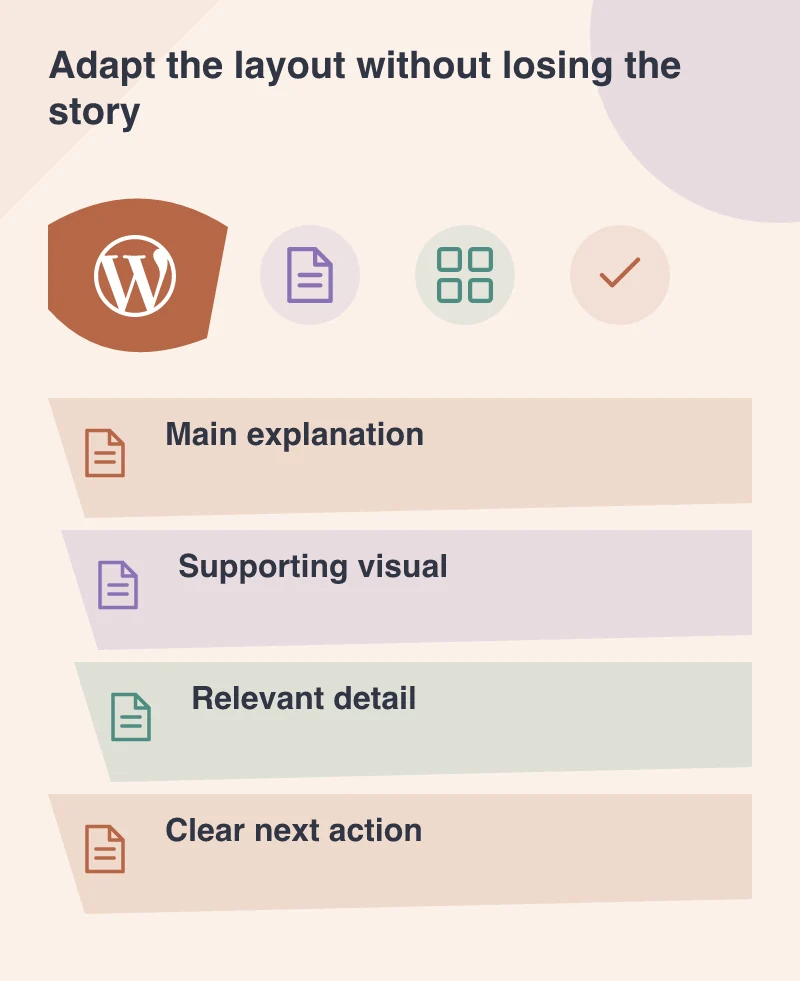
Start by identifying the main explanation, its supporting evidence and the next action. Decide how those parts should be encountered on a narrow screen before adjusting spacing and visibility. The controls should express that plan rather than invite arbitrary differences between devices.
Keep the essential story complete
Hiding a block can tidy a layout, but it may also remove the answer to a customer’s question. A detailed comparison or important condition should not disappear merely because it is inconvenient to fit. Adapt the presentation before deciding the information is unnecessary.
Imagine a commerce service page explaining a headless architecture. On a large screen, a diagram and its description can sit beside each other. On a phone, place them in an order that lets the reader understand the labels without scrolling back and forth between disconnected fragments.
Give images room to remain useful
A diagram that scales down until its labels are unreadable has not become responsive in a meaningful sense. Simplify the figure, provide an accompanying explanation or use a deliberate scrollable treatment where appropriate. Check the actual text size after the layout changes.
Keep image cropping intentional too. A wide photograph may lose its subject in a narrow card. Editors need a preview that reveals this problem while they can still choose another crop or image, rather than discovering it after publication.
Make the reusable pattern carry the judgement
A well-designed pattern gives ordinary editors a strong starting point. Build sensible mobile behaviour into it and leave controls for the changes they are likely to need. Too many independent settings can make a small content update feel like a new design project.
Review the pattern with long headings and real content, then document the few decisions that matter. Consistency becomes easier when the default is already useful.
WordPress 7.1 provides more freedom inside the editor. Use it to preserve a clear story across screens. The result should feel like one considered page adapting to the person, with the information and next step still easy to find.