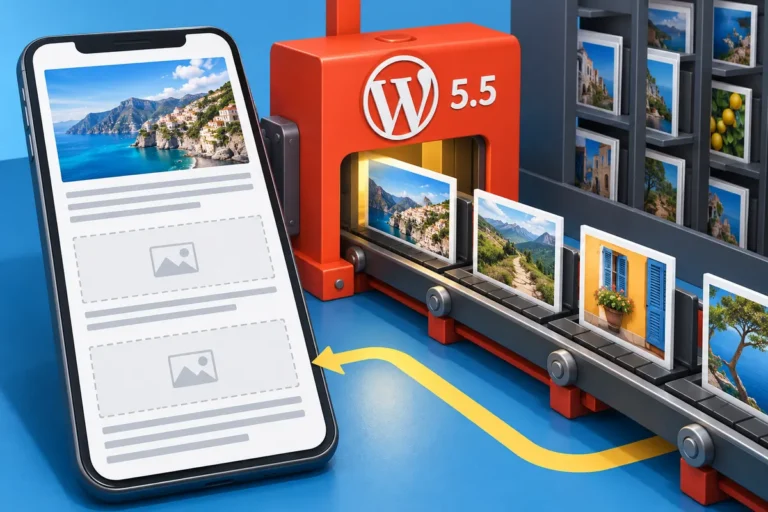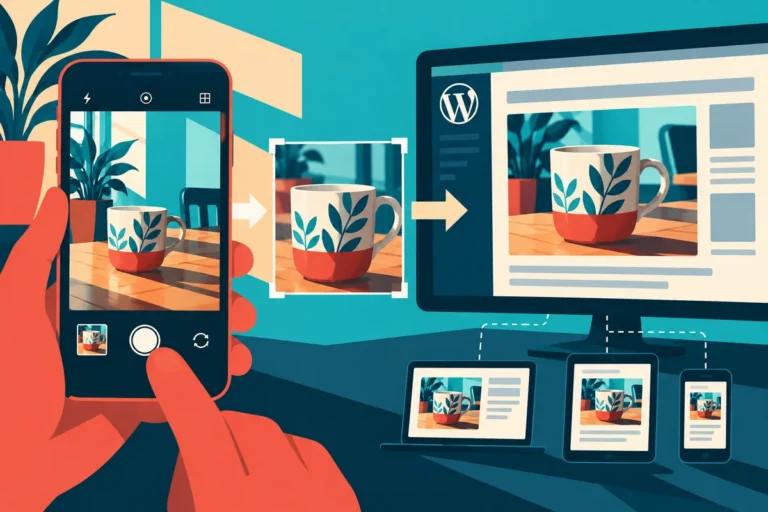
A modern phone photograph can be much larger than the image a service page needs. Editors often upload the original because preparing a smaller version means opening another tool. Bringing more of that preparation into the publishing workflow can make a lightweight website easier to maintain.
Explore the beta as a workflow change
WordPress 7.2 Beta 1, released on October 20, expands client-side image processing into the Media Library. The preview describes resizing, compression and conversion in the browser before upload. This is pre-release software intended for testing, so explore it on a test site rather than a production website.
The promising part is the location of the work. An editor already choosing an image may be able to prepare it in the same workflow. That can reduce the temptation to treat image size as a technical problem for somebody else to fix after publication.
Choose the detail the page actually needs
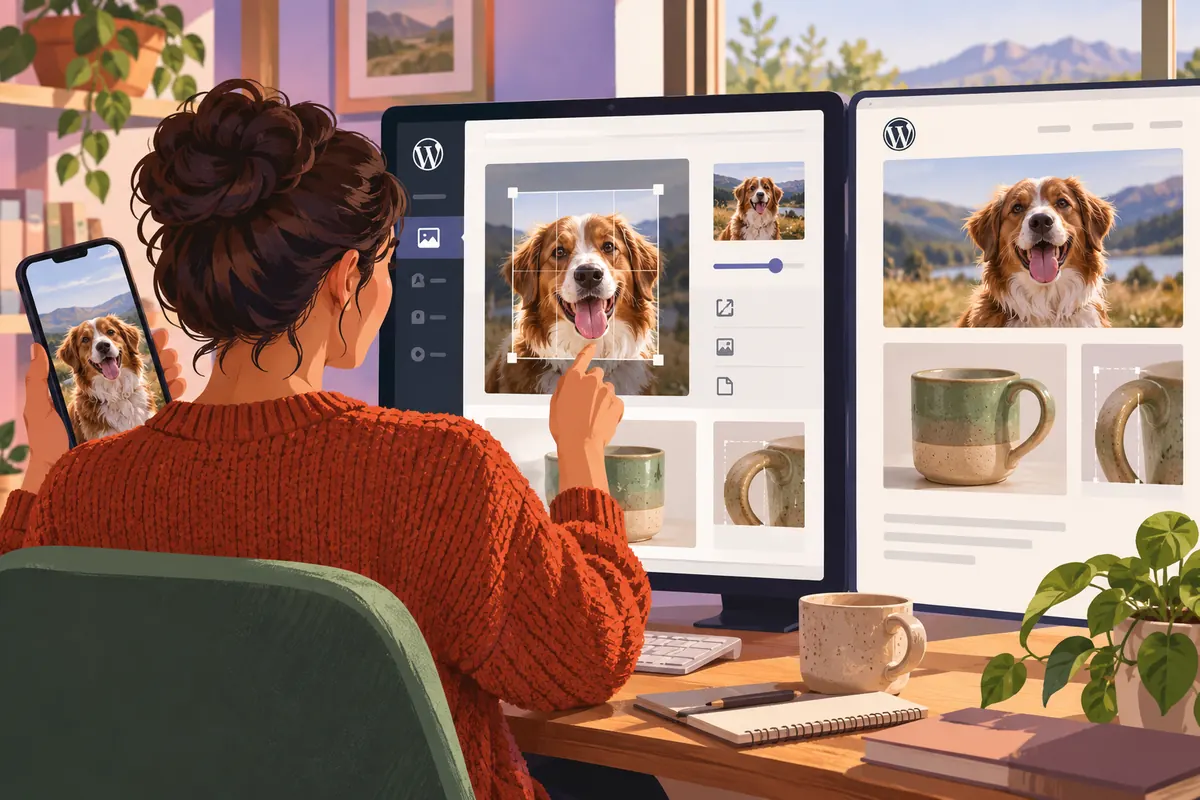
A staff portrait and a product close-up have different requirements. The portrait needs a useful crop and recognisable face. A close-up may need enough detail to show a specific connection. Compression should preserve the information the image is there to communicate.
Imagine an article illustrating a damaged component. Reducing the file until the important mark disappears would defeat the purpose. A sensible workflow lets the editor inspect the result at its intended display size, rather than choosing a setting solely because it produces the smallest number.
Keep the original’s role clear
Decide whether the business needs the original file for later uses and where it should be retained. A website-ready image is not necessarily the master asset for print, documentation or another crop. Make that distinction understandable without burdening every editor with a complex asset-management process.
Review names, captions and text alternatives while the image is being prepared. A smaller file with an unhelpful label can still be difficult to find and reuse. Good media handling includes both the delivery cost and the editorial context.
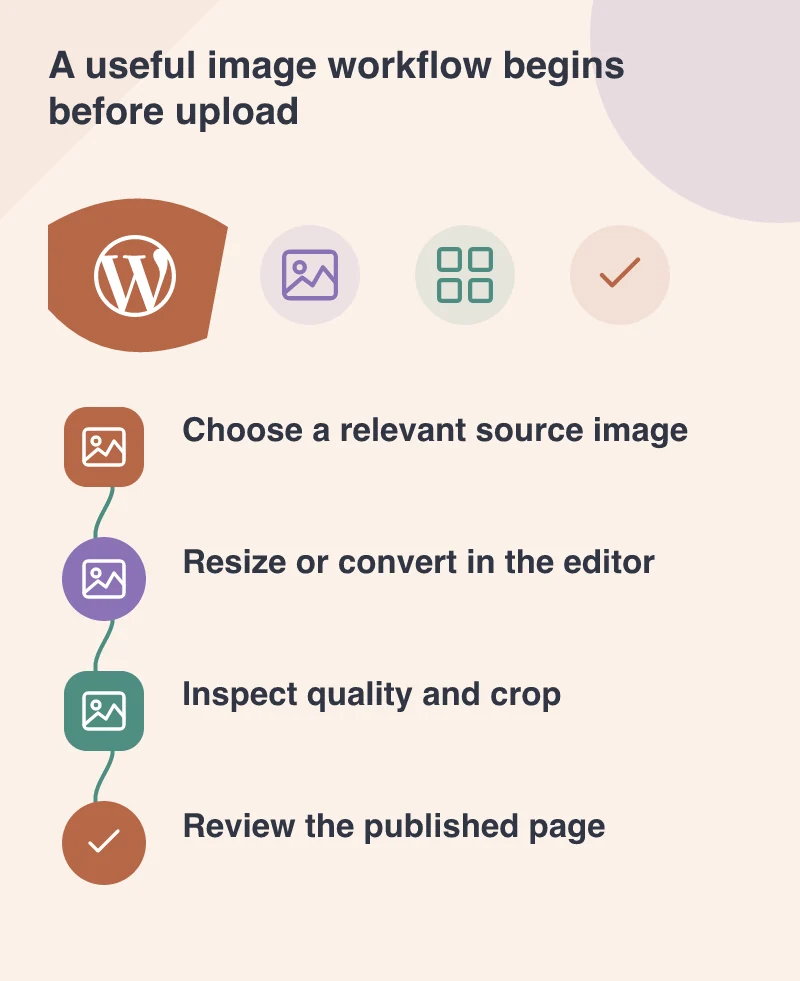
Try a portrait, a wide banner and an explanatory diagram in the test workflow. Each reveals a different constraint: crop, visual detail or readable labels. Record which settings produce a useful page image so the team can repeat the choice.
Judge the published page, not just the upload
Check the actual image selected for the frontend, its displayed dimensions and the surrounding layout. An efficient upload does not automatically prove that the theme delivers an appropriate size or that the image remains readable on a phone.
Use the beta to identify friction and report reproducible issues. The final behaviour may still change. The wider direction is valuable now: make sensible image preparation easier at the point where people publish. A lightweight site is more sustainable when its everyday tools support the choices that keep it light.