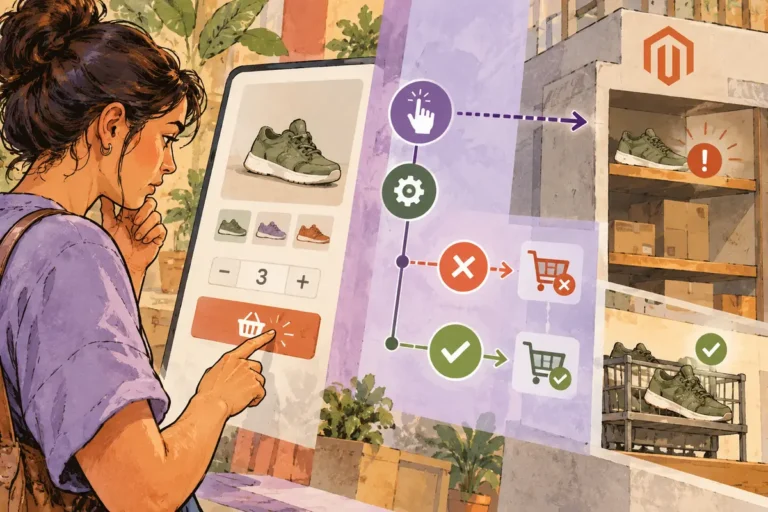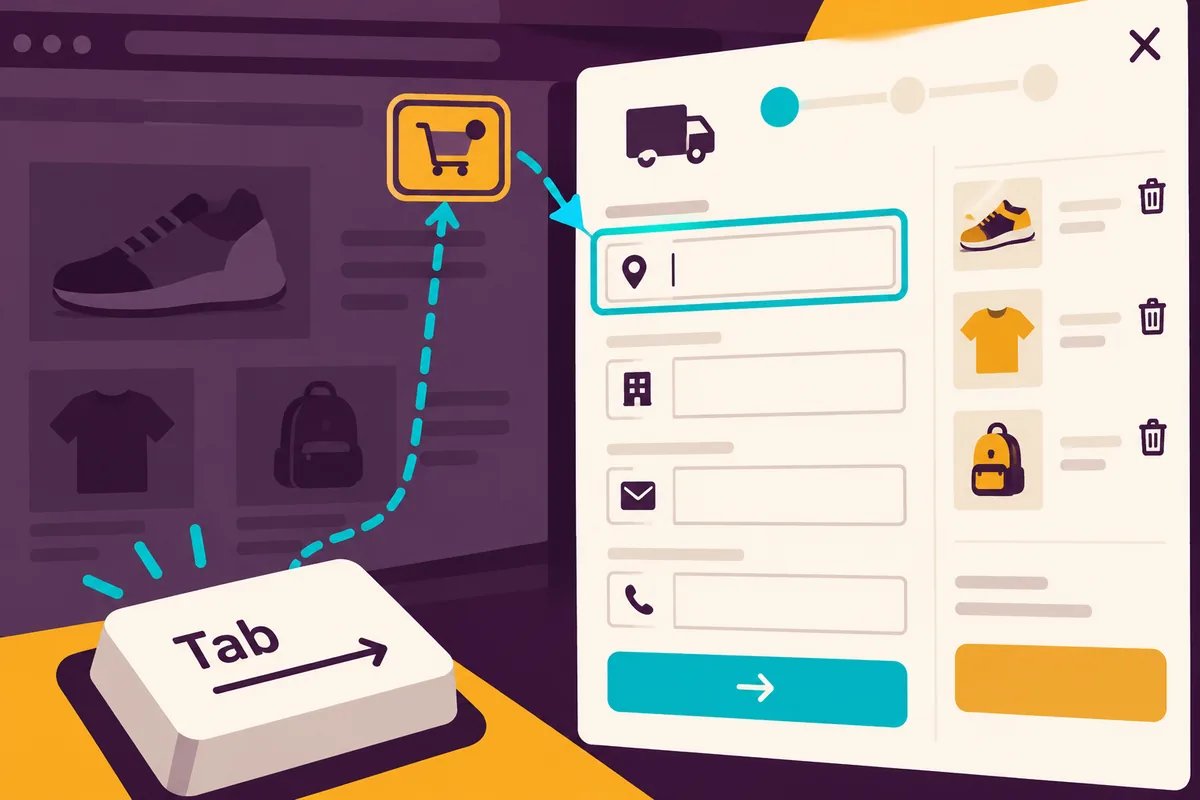
A delivery panel opens. To a sighted shopper using a mouse, the next step seems obvious. Someone using a keyboard presses Tab and lands behind the panel instead. The basket is still correct, but the interface has lost the person trying to buy it. PWA Studio 12.6, released on August 9, puts attention on accessibility improvements. Its changes include focus behaviour, descriptive names, checkout autocomplete and label associations. These are not cosmetic refinements. They help people understand where they are and what to do next.
A panel opening is a change of context
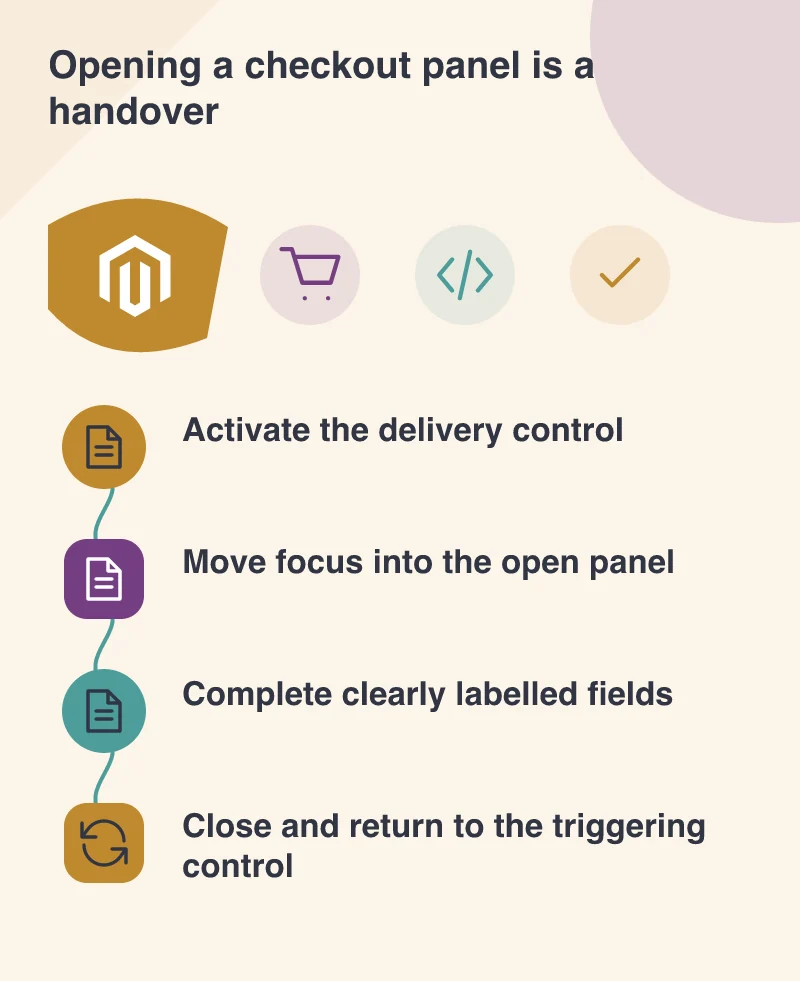
When a shopper opens a cart menu or delivery panel, the interaction should establish a clear path into that task. A visible focus indicator shows which control will respond to the keyboard. Hidden menu items should not intercept the journey.
This is particularly easy to overlook in a headless build. A team can replace a standard component with a beautifully animated version while forgetting the behaviours beneath it. The new panel looks finished before its keyboard interaction exists.
Walk through the actual sequence without a mouse. Open, move, select, cancel and reopen. If closing a panel leaves focus somewhere mysterious, the shopper must search for their place again. Return it to a sensible control, usually the one that opened the task.
A placeholder is not a complete instruction
A field showing “Apartment” can seem self-explanatory until the shopper starts typing and the hint disappears. Keep visible labels associated with their inputs. An icon-only remove button also needs a meaningful accessible name; its shape alone does not explain the action to every user.
Autocomplete attributes help a browser recognise the purpose of shipping and payment fields. They should describe what the input actually requests. Reusing a generic field component is no excuse for giving every address field the same identity.
Picture a repeat customer buying on a phone while commuting. Recognisable fields, clear errors and a predictable sequence can make that purchase easier even when the customer uses no assistive technology.
Audit the customised journey
Updating the PWA Studio packages does not automatically repair every local override. Compare custom components with the corrected behaviour and check that an old copied component has not preserved the defect.
Use automated checks to find issues they can detect, then complete the journey with keyboard navigation and a screen reader. Include editing a basket item and correcting an address, rather than testing only the first successful submission.
Accessibility belongs in the definition of a working checkout. A store has not completed the transaction experience merely because its API accepts an order. The shopper must be able to reach that point, understand the choices and recover when something needs changing.