“Processing” may be an accurate internal status and an unhelpful answer to a customer. They want to know which items are on their way, whether the remaining item will follow and where to find the invoice. A custom Magento account page should translate the order record into those practical answers.
Keep the order and its events distinct
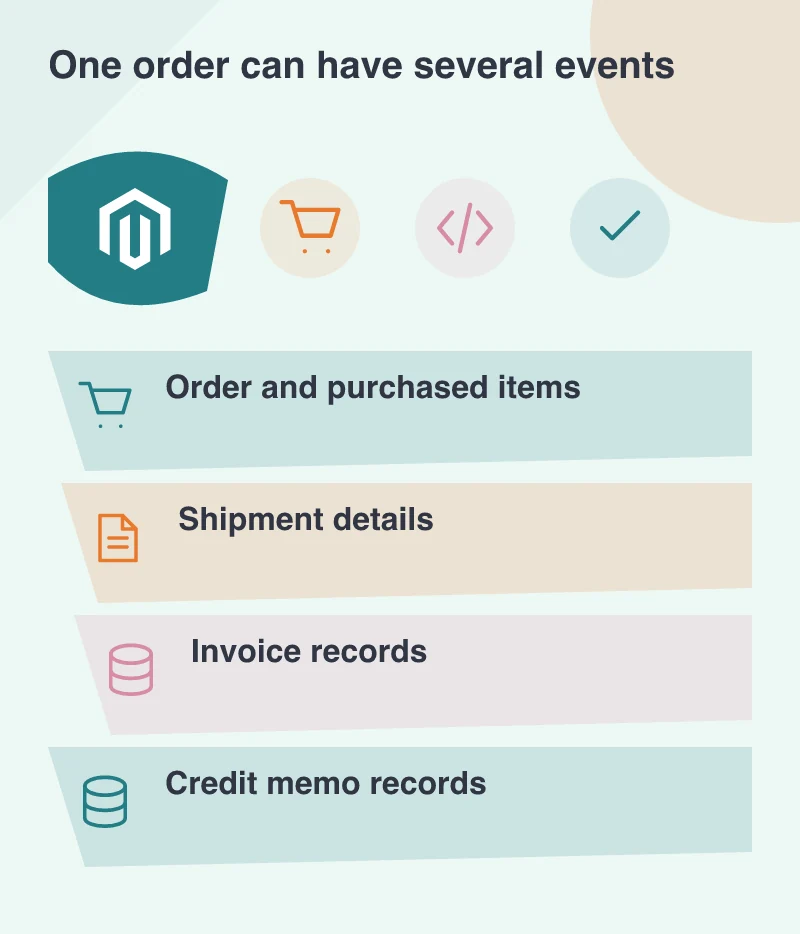
The Magento 2.4.8 sales GraphQL schema provides customer-order information alongside invoices, shipments and credit memos. That separation matters when designing a headless account area. An order is not necessarily described well by one large status badge.
Imagine an office-supplies order containing chairs and stationery. The stationery leaves first. A page that marks the entire order “shipped” can mislead the buyer; a page that says only “processing” can hide useful progress. Show the relationship between the purchased items and the available fulfilment information.
Explain the information you actually have
Do not infer a delivery promise from a shipment record alone. If a carrier reference or delivery estimate comes from another system, label it appropriately and handle its absence. Customers need to distinguish a recorded dispatch from an estimated arrival.
Use ordinary wording around technical states. An internal code can remain available for support, but it should not be the only explanation. Where the next step is genuinely unknown, say what the customer can do and provide a relevant contact route with the order reference preserved.
Make documents easy to recognise
Invoice and refund information should have clear labels, dates and amounts where the implementation provides them. Do not put every document behind identical download icons. A buyer returning weeks later needs to identify the right record without opening several files.
Check access control independently of the visual design. A signed-in customer’s order page contains personal and commercial information. A shareable-looking address or a convenient download link must not bypass the account boundary. Cache configuration should follow the same understanding of private data.
For split deliveries, let the customer see the items associated with each shipment rather than making them reconcile two separate lists. An order-level summary can then say that part of the purchase has dispatched while the remaining items are still awaiting an update.
Rehearse the awkward order
Review more than a single completed purchase. Include a partially fulfilled order, multiple shipments, a cancelled item and a refund. Ask someone unfamiliar with the platform to explain what has happened and what they expect next from each screen.
That exercise often reveals a wording problem before it reveals an API problem. A headless account area is valuable when it helps customers answer ordinary post-purchase questions themselves. Build around those questions, and the underlying order data becomes a useful service rather than a technical record displayed on a page.