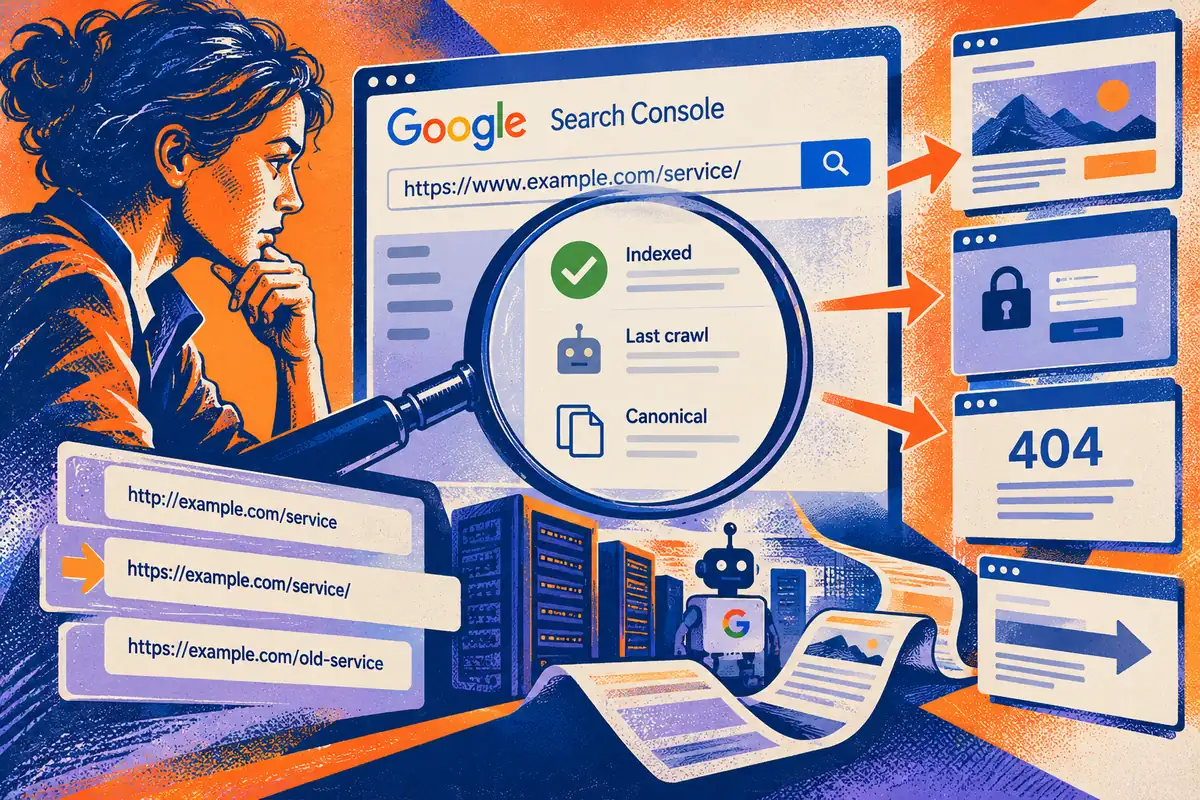
When a page does not appear in search, the first reaction is often to rewrite its headline. That can waste time if the page has not been indexed, has a crawl problem or is represented by another address. Google announced the new URL inspection tool in Search Console on 25 June, with rollout over the following weeks. It gives site owners more page-specific evidence to start a useful investigation.
Establish which address you are discussing
Ask for the exact URL rather than a page name. A service page can be reached through several addresses because of redirects, old links or inconsistent navigation. Confirm which address is intended to be the primary one. Then open it as an ordinary visitor and record what appears, including any login request, error or unexpected redirection.
Picture a business that replaces a service description but leaves its menu pointing to an old address. The editor may inspect the new page while customers and search crawlers continue finding the old one. Rewriting either page’s headline misses the routing problem. A shared record of the actual URLs helps the owner and developer investigate the same thing.
Read the indexed record in context
The new tool reports information such as the last crawl, indexing status and issues affecting a URL, with information about the canonical version where relevant. This concerns Google’s recorded processing of the page. It is not a promise that the page will rank for a chosen phrase, and a recent website change may not yet be reflected in that record.
Compare dates before drawing conclusions. If the recorded crawl predates a repair, the report can explain the older state without disproving the repair. Conversely, if the report identifies a problem still present on the website, there is a concrete task to investigate. Preserve the evidence so the same question does not have to be reconstructed each time it changes hands.
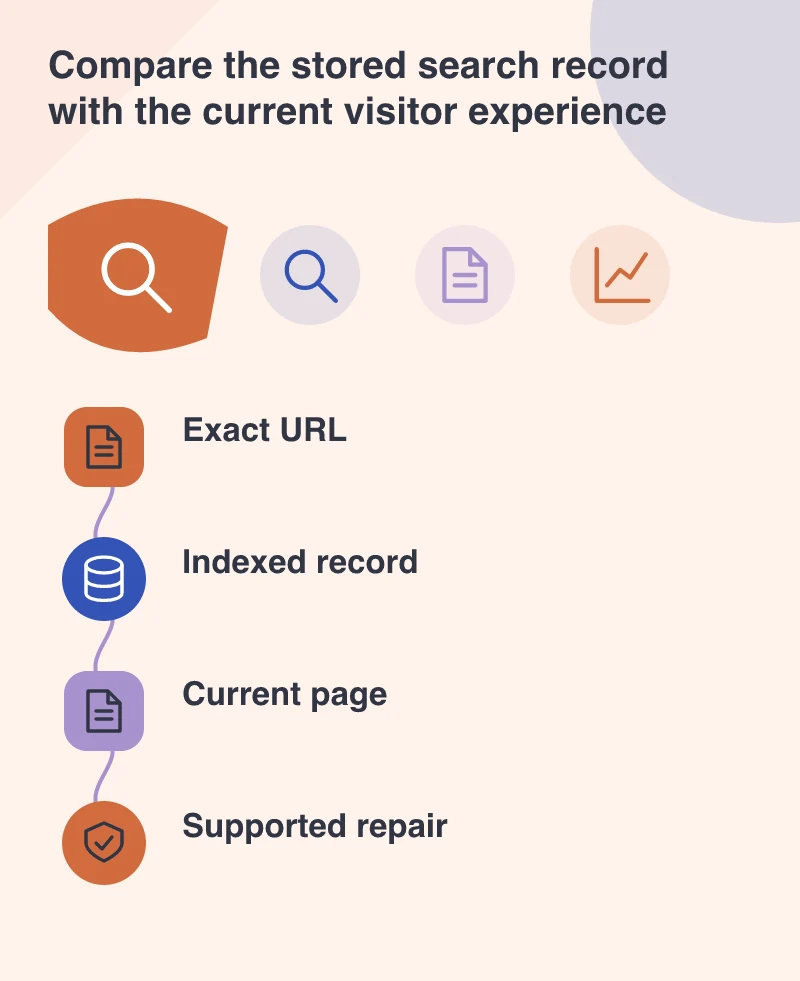
Fix the smallest supported cause
If a page is intentionally excluded, ask why before removing the instruction. A private document, a duplicate address and a public service page have different purposes. If the exclusion is accidental, correct the relevant setting and inspect representative pages using the same template. One symptom can reveal a configuration applied across an entire section.
Avoid changing the URL, navigation, title and page content simultaneously unless the project requires it. A smaller repair is easier to verify. Check the destination, response and visible information again after deployment. Make sure the change did not merely move the problem to another address or make an old link lead to an unrelated page.
Use search evidence alongside business evidence
Once the page can be processed as intended, assess whether it answers the visitor’s question. Does it explain the service, the relevant location or the next step? Technical availability and useful content are separate requirements. Passing one does not excuse neglecting the other.
Keep a simple issue record with the URL, the observed problem, the chosen repair and the verification date. Search appearance can take time and depends on more than this tool. The immediate benefit is a better-supported decision: fixing an indexing obstacle when one exists, and doing editorial work when the page’s message is the real weakness.