
A Search Console notification can sound more dramatic than the work it calls for. On 26 March, Google announced that mobile-first indexing was being rolled out more widely. For a business website, the immediate question is practical: does the version shown to a phone contain the information that helps someone choose you? The announcement describes a change in how content is gathered, rather than a prize awarded for having a mobile layout.
One index, a different starting point
Google says it continues to use a single search index. Mobile-first indexing means it primarily uses the mobile version of a page for indexing and ranking when that site is moved over. The notification itself does not confer a ranking advantage. A responsive design with equivalent content is therefore a different situation from a separate mobile site that deliberately leaves half the information out.
Imagine an equipment supplier whose desktop product page includes dimensions, installation requirements and a downloadable manual. Its mobile version displays only a photograph and a telephone number. The page may look tidy on a phone, but the missing details matter both to a buyer comparing products and to a system trying to understand the page. Fixing that gap is more useful than adding a mobile-friendly badge.
Compare real pages, not just the home page
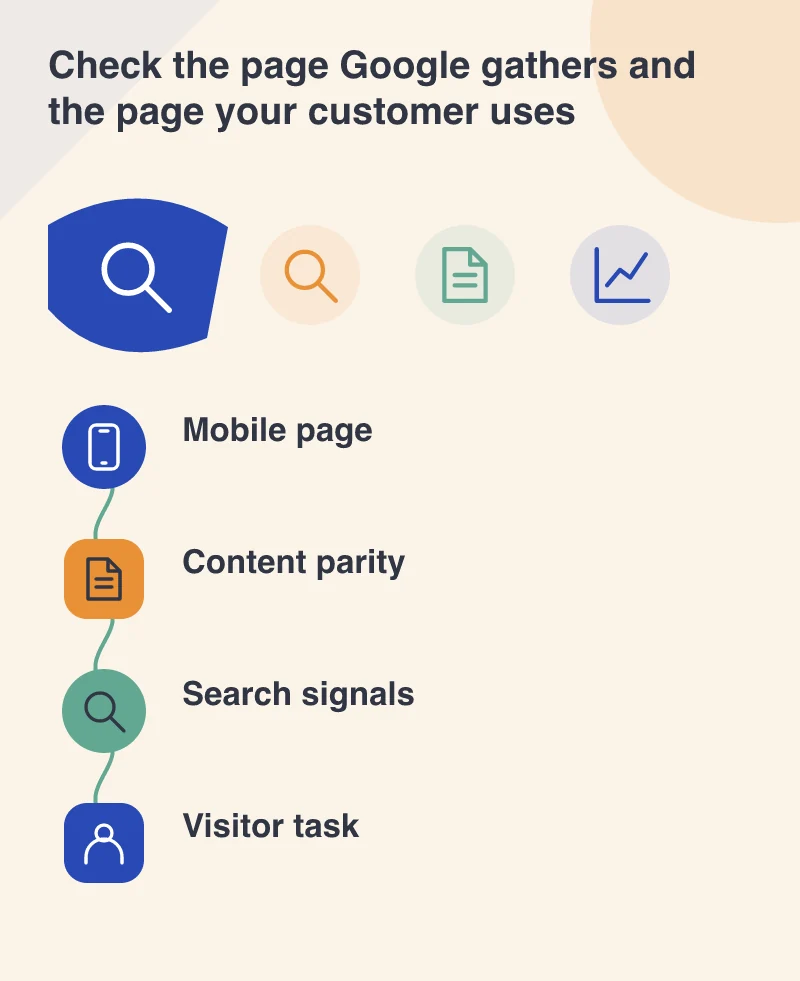
Choose examples from each important page type: a service, an article, a product and a contact page. Compare their main text, headings, images and meaningful image descriptions across screen sizes. Open the menu and any expandable details. An accordion can be a sensible way to organise a narrow screen; content that is never delivered to the mobile page is a different problem.
Ask someone unfamiliar with the site to complete a specific task using a phone. Can they find delivery restrictions, understand a service area or work out how to request a quotation? Record the place where the information disappears. A screenshot of the home page is a weak substitute for this exercise, because it can hide failures in the templates that carry most of the useful content.
Keep the technical signals consistent
For sites with separate desktop and mobile URLs, review the relationship between those versions with the developer responsible for search configuration. Structured data, titles and descriptions need attention alongside visible text. Do not make an unrelated URL migration merely because an indexing notice arrived; combining several large changes makes it harder to identify the reason for any subsequent problem.
Take a small baseline before changing templates. Save example URLs, their visible mobile content and the relevant Search Console information. After deployment, inspect those same examples and check that important resources can still be loaded. This gives a support conversation something concrete to work with if an image, a link or a section becomes inaccessible.
Measure the visitor outcome separately
An indexing notification is evidence about Google’s processing of the site. It is not a sales report. Keep enquiries, completed purchases and the ability to read essential information as separate checks. A mobile page can be indexed and still frustrate the person who reaches it. Make the mobile experience complete enough to support a decision, then watch the search and business measures without assuming that every movement has the same cause.