A sudden rise in article visits can look like the result of better rankings even when the route was different. Google introduced a Search Console report for Discover on 10 April. For eligible sites, it shows how content performs in that interest-based experience. This gives an editor a clearer way to ask what attracted readers without assigning every new visit to a keyword position.
A report appears when there is data to report
Google says the new report is available to sites with meaningful Discover visibility, with data going back to March. It includes impressions and clicks. The absence of the report is not a technical instruction to redesign the whole site, nor a statement that the business has no useful content. Understand the eligibility and available data before interpreting a missing menu item as a failure.
If the report is present, look at the pages and periods involved. Save the context of an unusual increase: the article, publication or update date and any relevant editorial activity. A graph is easier to interpret when the team knows what it is comparing. One successful item does not establish a predictable pattern for every topic.
Separate interest from a typed request
Discover can introduce someone to a subject they were not actively searching for at that moment. A person clicking an introductory guide may therefore have a different intention from someone searching for a specific service. Keep Discover’s results distinct from query-based search reporting so the business does not mistake an early reader for a ready-to-buy prospect.
Imagine a supplier publishing a careful guide to identifying worn equipment. The article might attract people learning about a problem well before they are ready to replace anything. Give them a useful explanation and a relevant next step. Forcing an immediate quotation request can be a poor fit for the reason they arrived.
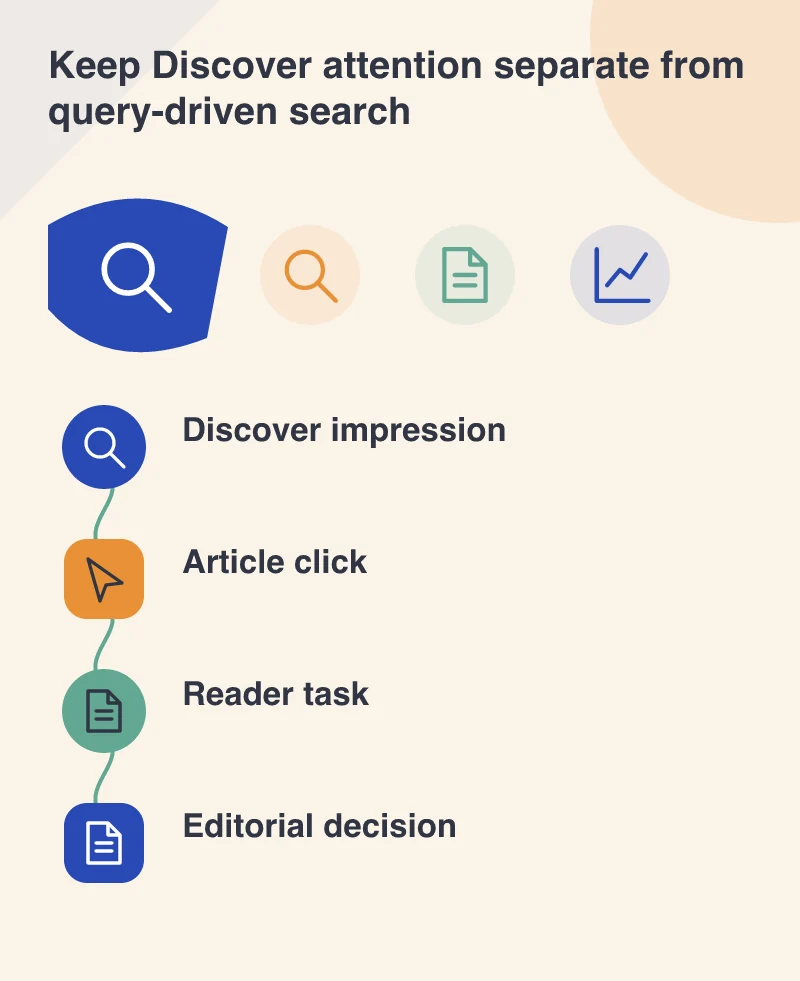
Read the page after the click
Check whether the title and image accurately represent the article. A high click count is less valuable if the page withholds the answer or opens with unrelated promotional material. Put the subject in view quickly, make the text readable on a phone and show illustrations that explain the issue rather than merely decorate it.
Use whatever appropriate site reporting the business already maintains to understand later actions, without pretending it is the same dataset as Search Console. An enquiry, a product view or a return visit can add context. Keep the limits clear: aggregate discovery figures cannot explain an individual person’s full decision.
Keep an editorial mix that can stand on its own
A burst of distribution can be welcome, but it is a fragile basis for staffing or revenue assumptions. Continue publishing material that supports customers and explains the services the business actually offers. Review the report for patterns while resisting the urge to imitate a single headline regardless of its relevance.
The report’s immediate value is better attribution in an ordinary editorial meeting. Staff can say which pages gained attention through Discover and which depended on search queries or other routes. That more accurate description makes the next content decision calmer and more specific, with fewer guesses about what a traffic spike must mean.