
A list of fifty slow pages can sound like fifty separate jobs. Often, several use the same template and load the same unnecessary resource. Google’s new Speed report began public rollout in Search Console on 4 November. It groups similar URLs and classifies their observed speed, giving site owners a way to start with patterns rather than treating every address as an unrelated performance project.
A group is a lead to investigate
The experimental report uses Chrome User Experience Report data and assigns groups to fast, moderate or slow categories. It provides examples and links to PageSpeed Insights for more specific optimisation opportunities. That is a useful division of work: identify a pattern across the site, then investigate representative pages in detail.
Imagine an online catalogue where product pages are slow but simple information pages are not. Compare the resources and behaviour unique to the product template. A gallery, option script or recommendation service could be involved, but the classification alone does not establish the cause. Use it to narrow the investigation, not to choose a repair by guesswork.
Inspect more than the example URL
A representative page makes diagnosis manageable. Before deploying a shared change, check other members of the group with different content. A product with many images, a configurable item and an unavailable item may exercise different states. The shared template needs to preserve all of those tasks.
Also check a route outside the group. A resource may be loaded globally even though its cost is most visible on one template. Removing it from the wrong place could damage a feature elsewhere. Establish which pages actually need it and make the loading rule deliberate.
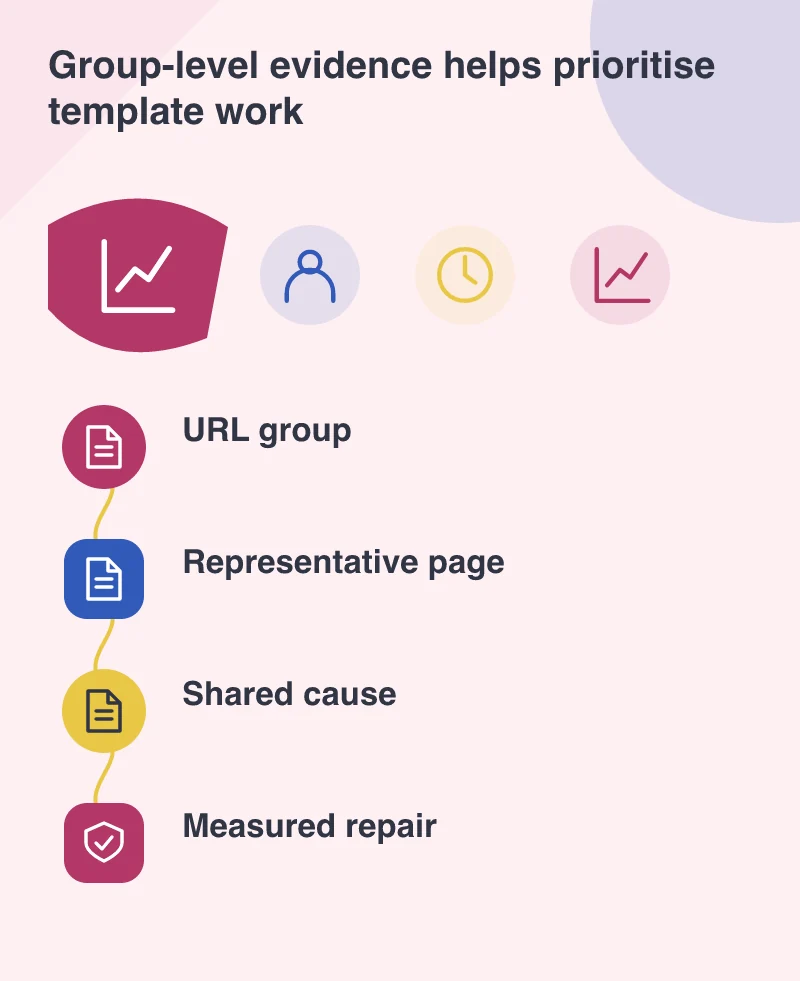
Make one repair observable
Save a baseline under repeatable test conditions. Change the component supported by the evidence, then run the same checks. Record both the measured effect and the visitor task. A smaller script download is encouraging; a broken product selector is a reason to revise the change.
Separate immediate testing from the historical field report. Newly deployed code does not erase visits made to the previous version. Follow the report over time to see whether users experience an improvement, as Google recommends, while using controlled tests to examine the release itself. Explain the different timescales to the owner so a delayed graph is not mistaken for a failed deployment.
Use the fast pages as evidence too
The announcement encourages reviewing moderate and fast groups as well as slow ones. Compare what the better-performing templates do differently. They may offer a simpler route, fewer dependencies or different content. Reuse a sound pattern when it fits instead of assuming every page needs a special optimisation mechanism.
Keep in mind that the report is experimental and its metrics and recommendations may evolve. Preserve the dated evidence behind important decisions. The practical gain is a more focused work list: one shared cause, representative checks and a repair that can help several relevant pages without stripping away their purpose.