
A developer opens a page on an office connection and sees it almost immediately. A customer with a slower phone has a different afternoon. Google’s 10 January update to PageSpeed Insights brings Chrome User Experience Report data into its recommendations, making that difference harder to ignore. The report is becoming more useful when it is read as a set of clues about an experience, rather than as a certificate that a website is fast.
Two different questions in one report
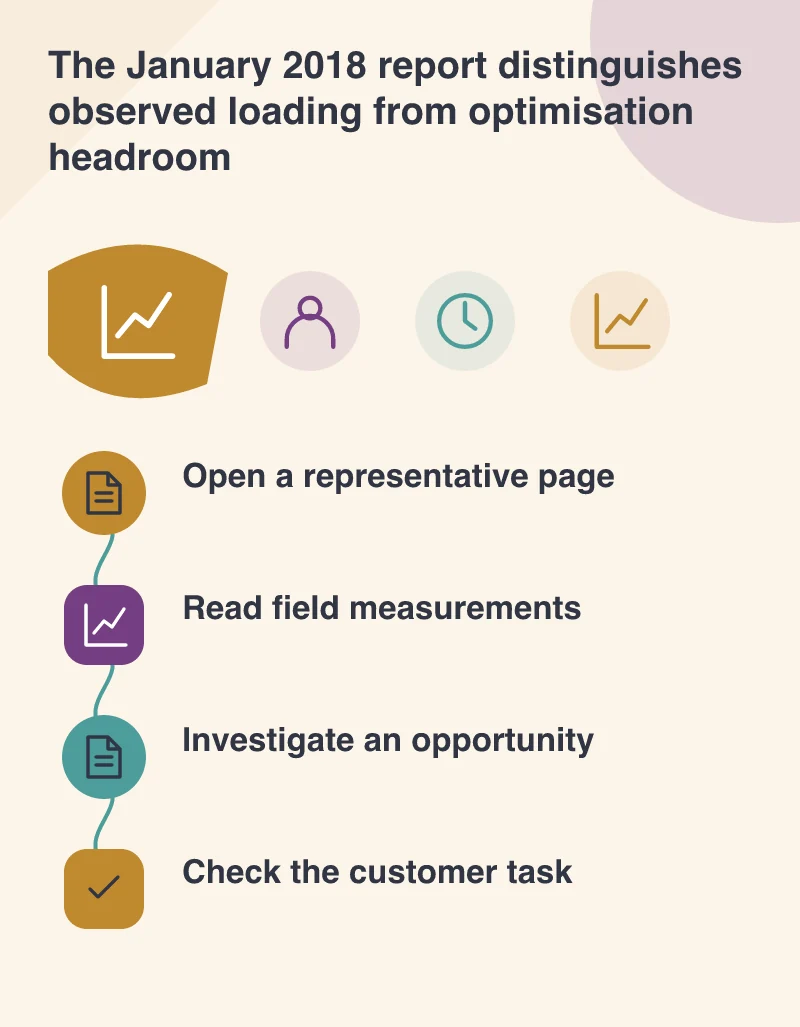
The January announcement distinguishes a Speed score based on real-world First Contentful Paint and DOM Content Loaded measurements from an Optimisation score estimating remaining improvement opportunities. Those are the metrics and categories in this version of the tool. A team should not replace them with a later scoring system when discussing what the January report means.
The distinction is practical. A page may follow several technical recommendations yet still be slow for some visitors. Conversely, a comparatively fast page can still contain avoidable work. Read the loading distribution and the suggestions together before choosing a task. A score without its context encourages arguments about whether the developer or the customer is seeing the “real” website, when both may be observing different conditions.
Choose a page that represents the business
A supplier testing its site could include the product page that a visitor opens from search, not only a lightly populated homepage. Record the exact URL, the important content and the time of the check. Compare like with like when making a change. A different product with a smaller image can make an apparent improvement that has nothing to do with the optimisation under discussion.
Ask what the visitor needs to do before a performance issue becomes a business problem. Reading a dimension may depend on text appearing early; selecting an option also depends on the relevant controls being ready. Use that task to prioritise investigation. The report does not decide whether the company should remove a useful photograph, change its enquiry journey or accept a different visual design.
Missing data is not a clean bill of health
Real-world reporting depends on the underlying dataset. If a page has no available speed information, the absence is a measurement limitation, not evidence that every visitor gets a quick result. A browser test on a representative device and connection remains useful. Keep those observations separate from the aggregated field information so their different purposes remain clear.
Make one change worth checking
An oversized product image, an unnecessary script or a slow initial server response gives the team a more concrete investigation than a general request to “get a better score”. Save the initial evidence, make a focused change and check the customer task afterwards. If the change affects appearance or functionality, include the business owner in that decision instead of silently changing what the page offers.
The new report helps separate different kinds of performance evidence. A website is used by different people under different conditions, and a best-practice checklist cannot describe all of them. Keep the report, the test conditions and the intended task together. That gives future maintenance work a meaningful baseline and gives the business a clearer explanation of what an improvement is expected to help.