
A shopper has paid and is looking for reassurance. Did the order go through? What happens next? Where will the delivery update appear? For Shopify Plus stores reviewing the announced migration of older thank-you and order-status customisations, this is a chance to inspect the customer’s experience after payment. Start with those simple questions before deciding which extra blocks belong on the page.
Confirm the important facts first
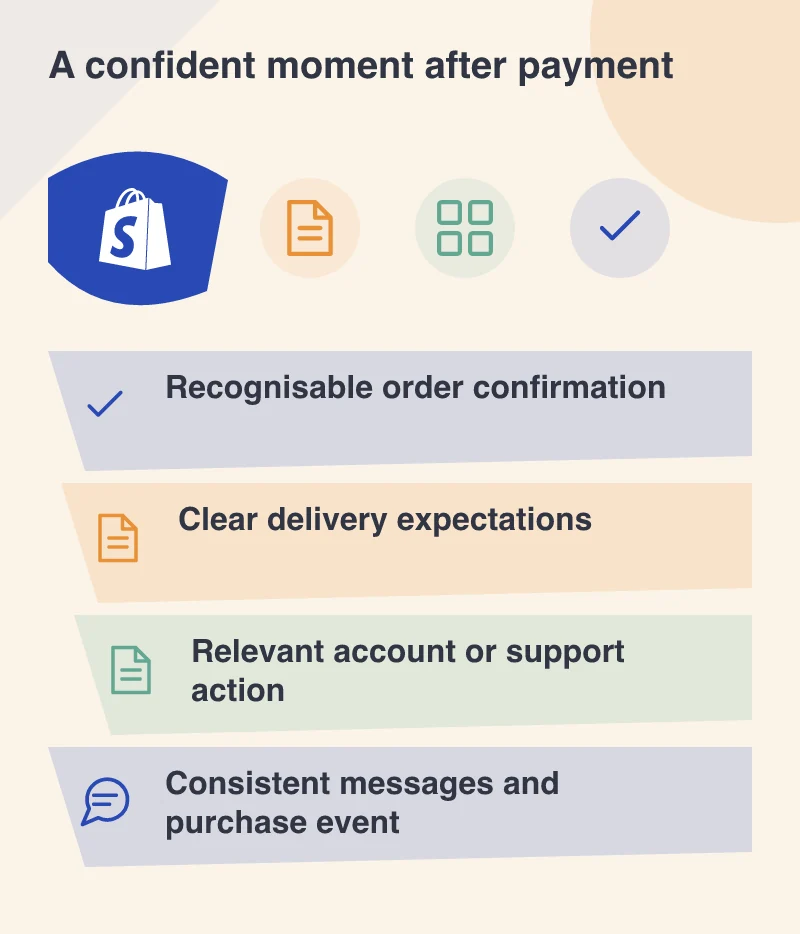
Make the order reference, selected items and relevant delivery information easy to recognise. If the next update arrives by email, say so clearly. A customer should not have to scroll past a promotion to establish that their purchase was received. This is especially important when they return to a phone after using another payment screen.
Use a test order with a variation and a realistic shipping address. Ask somebody to explain what they bought and what they expect to happen next. Their answer is a useful check on the page’s language. The design has more work to do if the confirmation creates a different expectation from the order itself.
Add a service the customer can use
Shopify’s extensible thank-you and order-status pages provide app-based ways to add content and functionality. Choose additions because they help with a real next task. A link to the appropriate customer account, a clearly explained support route or relevant product guidance can be more helpful than a row of unrelated offers.
Give each addition an owner. Product care advice needs to remain correct when the range changes; a delivery message needs to match the fulfilment process. A small number of maintained additions is easier to trust than a page assembled from experiments nobody has reviewed since they were installed.
Check the messages and records around the page
The confirmation is part of a wider conversation that includes email, customer accounts and support. Follow the same test order through those places. The order reference and descriptions should agree, and the customer should understand where to return for an update. Consistency matters when someone is trying to resolve a concern quickly.
Include the team’s reporting checks in the release. Confirm which event counts as a purchase, how a refresh is handled and whether the same order appears more than once in the report. Use test data and the reporting owner’s expected results rather than assuming a successful-looking page proves that every connected system agrees.
Revisit an order as the customer would
Come back later through the email link instead of retracing the original checkout. Try a signed-out visit, a phone with larger text and an order containing several items. Also inspect the route offered when self-service cannot answer the question. Support should receive enough context to continue the conversation.
The useful outcome is quiet confidence: the customer knows the order exists, understands the next stage and can find help. Treat the migration as an opportunity to make that journey clearer, with a small set of checks that the store team can repeat after future changes.