
A website rarely becomes heavy in one deliberate decision. A map, a chat widget, another font and a promotional carousel arrive through separate requests, each described as small. By June, teams can put Lighthouse’s newly announced performance-budget support to work on that pattern. The point is not to ban useful features. It is to make their cumulative cost visible while there is still a chance to choose a lighter approach.
Choose an allowance that belongs to the page
A performance budget establishes a limit or standard the team can check. Lighthouse’s new capability, announced at Google I/O in May, helps identify regressions before deployment. Start with representative pages and record their current resource use. Do not copy an arbitrary allowance from an unrelated site and pretend that it explains your visitors’ experience.
An article, a product configurator and a contact page perform different jobs. They may need different allowances. Keep the budget tied to an observable purpose, such as controlling transferred resources for a phone visit. Explain the units and the test conditions so an editor can understand the tradeoff when approving another large image or embedded service.
Ask what the feature contributes
Imagine a contact page that already provides an address and directions. An embedded interactive map may be helpful, but it need not necessarily load before someone chooses to use it. Compare an immediate embed with a simple preview and a clear link. The visitor’s task, accessibility and the provider’s behaviour should guide the choice.
Do the same for scripts. A widget’s small installation snippet can load a much larger chain of resources. Measure the complete result, including requests to other services, rather than weighing only the line pasted into the theme. Ask who will maintain it and whether it loads on pages where it provides no benefit.
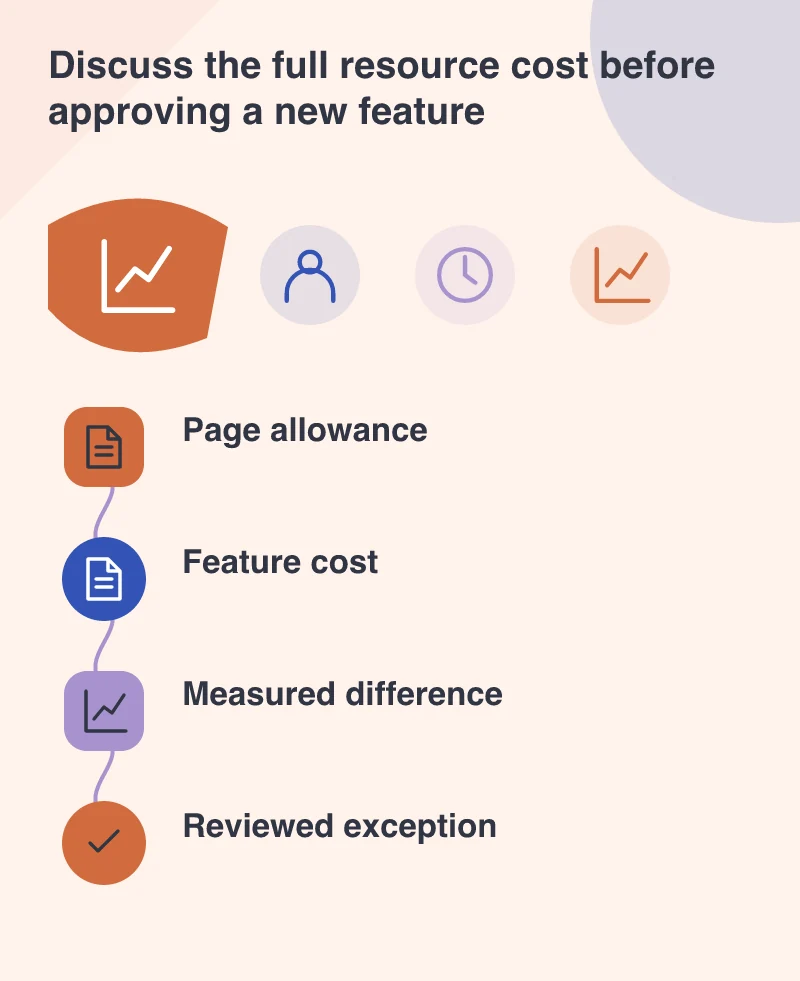
Make the budget part of review
Run the same checks before and after the proposed change. When an allowance is exceeded, show which resource category grew and why. That creates a more productive discussion than a late complaint that the design feels slow. The team can reduce an image, remove duplication, load a feature on demand or consciously revise the budget for a justified need.
A budget is not a complete performance test. Resource size alone does not describe script execution, server delay or whether a control responds. Keep timing and interaction checks alongside it. It is possible to stay within a byte allowance and still make a page unpleasant to use.
Keep exceptions visible instead of hiding them
Sometimes a necessary feature deserves extra resources. Record the reason, the affected pages and the alternatives considered. An explicit exception is easier to revisit than a limit quietly raised every time a report turns red. Remove temporary campaign code when its job ends so yesterday’s promotion does not become a permanent cost.
This changes the owner’s conversation with the build team. The question becomes which visitor benefit is worth the cost, with measurements attached. That is a much better basis for a lively, capable website than accumulating features until the only remaining proposal is an expensive clean-up.