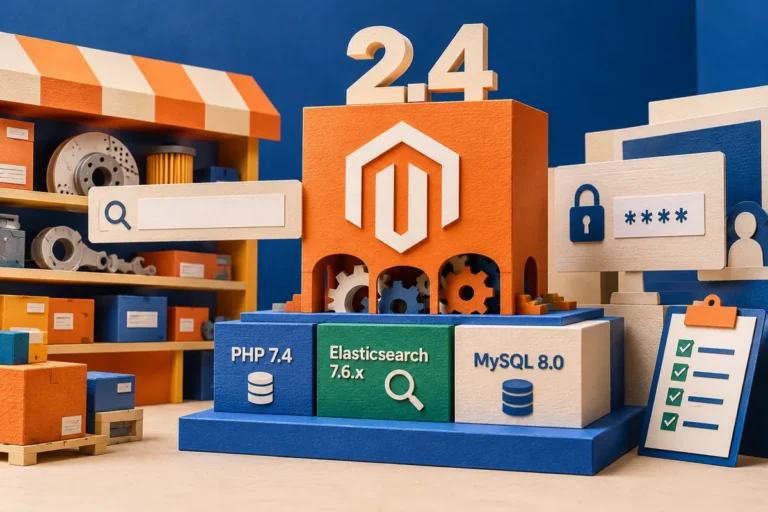
The release of a new language version can sound like an easy improvement for any website built on it. PHP 8.0, released in November, brings substantial new capabilities. A business running WordPress or Magento should still ask a different first question: which runtime is supported by this particular application, extension set and hosting arrangement? A platform upgrade is a compatibility decision before it becomes a performance discussion.
New language features do not update an application by themselves
The PHP announcement includes union types, named arguments, attributes, match expressions, a nullsafe operator and just-in-time compilation among the new features. These are tools for developers. They do not mean that existing application code automatically uses every new capability or that every workload receives the same benefit.
The release also comes with migration guidance for backward-incompatible changes. That is a practical reminder to distinguish a language’s availability from an application vendor’s support statement. A merchant should not change the live runtime simply because the hosting control panel offers it.
Map the dependencies before the experiment
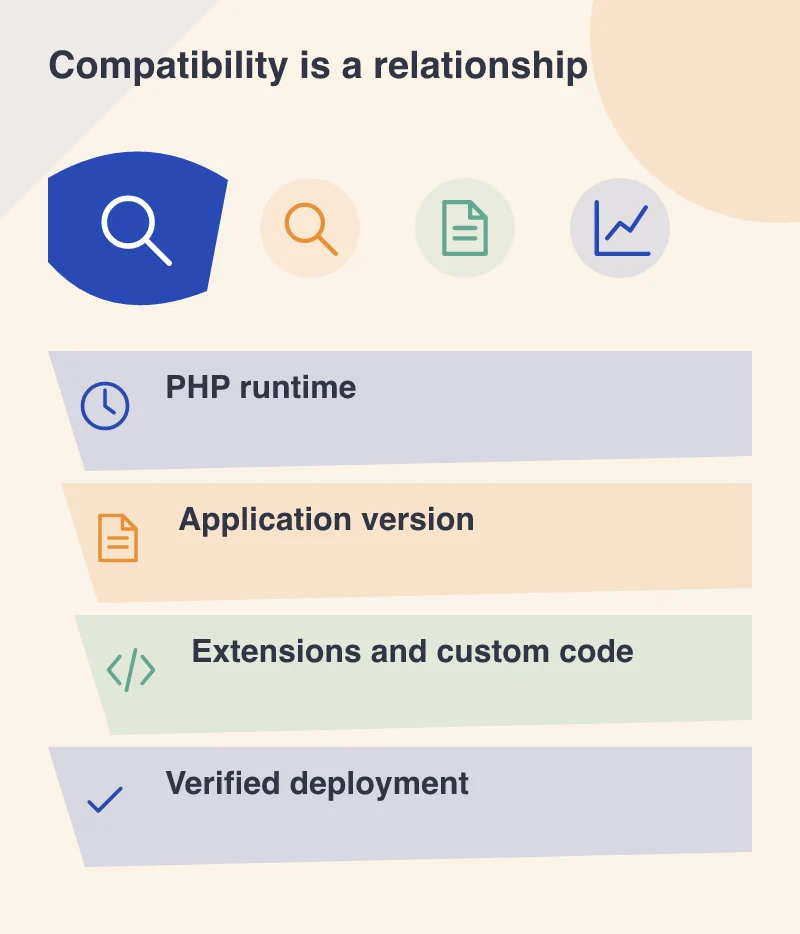
List the application version, theme, extensions, integrations and custom code that the site depends on. Identify which suppliers have documented compatibility and which components need investigation. An old integration maintained outside the main project can be the decisive dependency even when the core platform is ready.
For a booking website, the critical component might be a payment or calendar extension. For a shop it might be a shipping integration or a bespoke pricing rule. Knowing those dependencies in advance makes a test useful; discovering them only after a live change makes the same work much more disruptive.
Use a realistic copy and real tasks
A protected test environment should contain representative content and configuration while avoiding live customer actions. Run the ordinary business journeys under the proposed runtime. Check sign-in, searches, forms, media handling and the administration work that staff perform every day.
Review the error logs as well as the visible pages. Some problems appear only in a background task or an infrequently used administrative function. Keep the original runtime available for comparison so that a new warning can be investigated without guessing whether it existed before.
Decide what evidence is enough to proceed
Agree the checks that must pass and the person responsible for accepting the change. If the application or an essential supplier does not support the proposed runtime, record that limitation and the route to resolving it. A clear decision to wait for a compatible component is better than an unexplained delay or an unsupported experiment in production.
Keep the dependency inventory and rehearsal results with the upgrade record. The business needs an explainable route forward and a way to recover if an extension fails. A newer runtime is an opportunity to examine that route, rather than evidence that every website will automatically become faster.