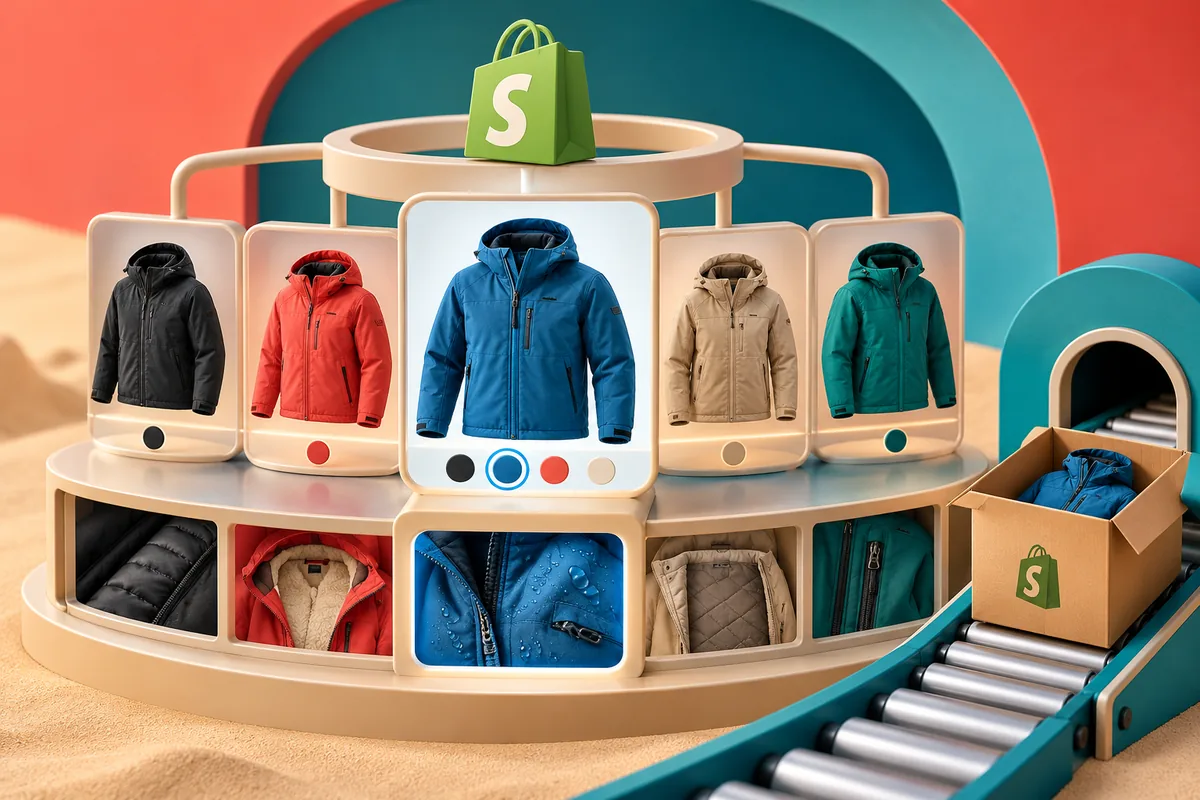
Someone finds a jacket they like, taps the blue swatch and lands on a photograph that still shows the black one. The product is available; the explanation has slipped. Shopify’s Winter ’24 announcement introduces Combined Listings, bringing related variations together while allowing their own descriptions, media and URLs. That is a useful starting point for a clearer product story, provided the catalogue underneath it makes sense.
Choose a family a shopper would recognise
Start with the question a customer is trying to answer. Do these jackets share a fit and construction, with colour as the meaningful difference? Or does one have a different lining, warranty or intended use? A product family should help someone compare like with like. A convenient grouping in the warehouse is not always the right grouping on the storefront.
Write down what stays consistent and what changes. This gives the content team a small, practical brief: shared sizing advice here, colour-specific photographs there, and any material difference stated beside the selection. Check the feature’s availability for your plan and theme before arranging a migration around it.
Make the selected version unmistakable
The first photograph, selected swatch, product name and availability message should describe the same item. If a shopper chooses blue, they should not have to inspect a tiny SKU to establish what will arrive. An unavailable option also needs an understandable next step, such as another size or a way to ask about stock.
Try a direct link to each variation as well as a visit through the parent listing. Search, an advertisement and a message from a friend may all bring people into a different part of the family. The page needs to make that arrival feel intentional, with the right version already selected.
Give the product team a reliable editing routine
A tidy storefront can hide untidy working practices. Decide who owns the shared description, who replaces the photographs and how a discontinued variation is handled. Otherwise, one colour quietly keeps an old care instruction while the others move on. A simple review sheet is often enough to make these responsibilities visible.
For integrations, follow a small sample from product data through the page and into a test order. Confirm that the item identifier, selected attributes and fulfilment description remain consistent. The person packing the order should recognise the same product the customer believed they bought.
Try one useful family first
Choose a family with real customer interest and enough variation to expose the awkward cases. Ask someone unfamiliar with the catalogue to find a colour, compare the details and explain their choice before adding it to the basket. Listen for hesitation rather than coaching them through the interface.
Keep the first release small enough to inspect properly on a phone. Once the photographs, editing routine and order details hold together, the team has a repeatable model for the next family. The reward is a product page that makes choosing feel comfortable, alongside a catalogue the business can maintain.