
The promotion is ready, the product photographs are approved and someone needs to move one section on the homepage. It should be a comfortable editing task. Shopify’s new Horizon theme foundation, announced with Summer ’25 Edition, uses Theme Blocks to offer more flexible storefront composition. That freedom becomes valuable when the store team understands what it can change and how to keep the result clear.
Build with the edits that actually happen
Bring a short list of recent requests into the design conversation. Perhaps the team changes a seasonal introduction, adds a product story and rearranges collection highlights. Use those tasks to choose the blocks and settings worth exposing. A collection of controls is less useful than a few well-designed ways to do recurring work.
Try the editing experience with the person who will use it. Ask them to replace a photograph and publish a draft promotion without a developer guiding each click. Any hesitation reveals something about the structure, naming or preview. The backend is part of the storefront project, because it shapes every change that follows.
Give flexibility a shared visual language
Choose a small set of heading sizes, content widths, spacing options and button treatments. Blocks can then offer different arrangements while still sounding like the same brand. A merchant should be able to make a new section feel intentional without calculating margins or inventing another type style.
This is familiar territory for teams working with a block editor in WordPress: content ownership and reusable design decisions belong in the brief. The platforms differ, but the everyday question is similar. Can somebody make a useful update without slowly turning each page into a separate design system?
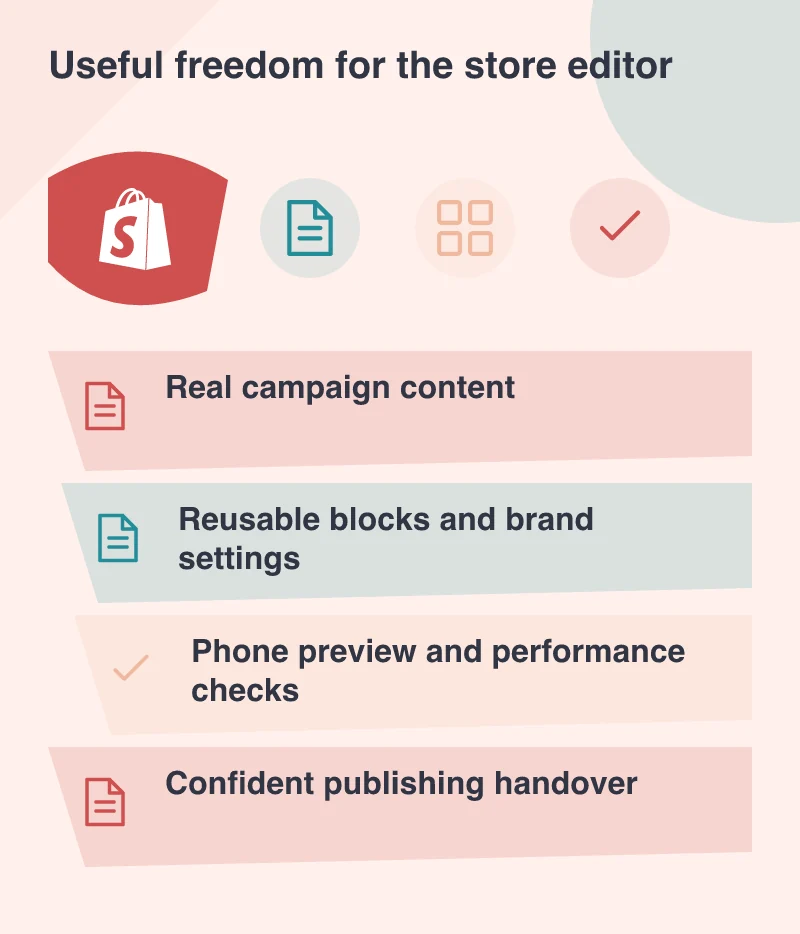
Use real content in the preview
A theme demonstration has unusually tidy photographs and carefully balanced copy. Replace them early with the store’s real material, including long product names and an image that is not perfectly cropped. Check the reading order on a phone, where a neat desktop arrangement can become an exhausting sequence of large sections.
AI-assisted creation can help explore an idea, but review the resulting content and behaviour as carefully as a manually assembled section. The person editing needs to understand what was created, which settings control it and how it behaves when the content changes. A convincing first preview is only one part of the handover.
Keep performance in the editing routine
Use PageSpeed Insights alongside a practical browse through the shop. Check representative collection and product pages after adding media or apps, and keep a record of what changed. An easy editor should make it easier to improve the store without accidentally adding a heavy feature to every visit.
Finish with a short working guide built around real tasks, rather than a tour of every setting. Show how to prepare a campaign, preview a phone layout and undo an unwanted change. The strongest result is a store the merchant can keep fresh with confidence, supported by a team that knows when a change deserves development work.