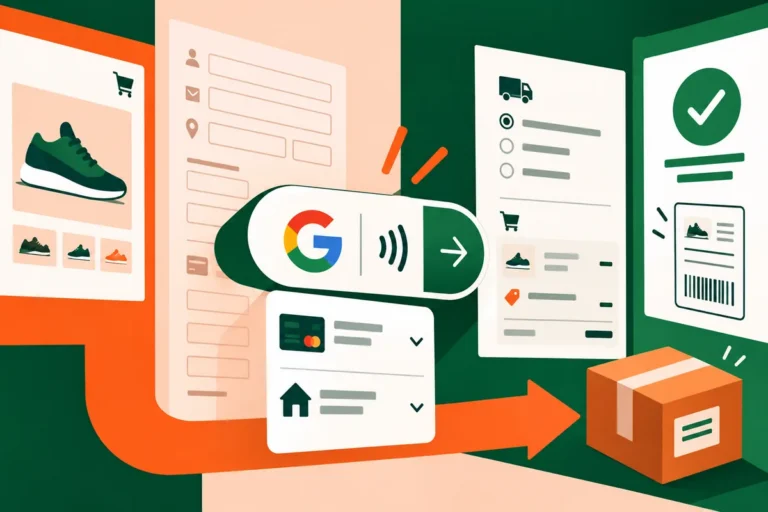
The most worrying checkout fault is often the one that appears only after a customer has left your site. They pay through an external provider, return to the store and find an empty session or an uncertain confirmation. Chrome’s January guidance on forthcoming SameSite cookie behaviour makes those cross-site journeys worth testing before a browser change turns an unnoticed assumption into a support problem.
A cookie needs an explicit job
Google’s 16 January notice described changes planned with Chrome 80: cookies without a declared SameSite value would be treated as SameSite=Lax. Cookies intended for cross-site use would need SameSite=None together with Secure. These settings describe when a browser may send a cookie; they do not replace the application’s own authorisation checks.
The distinction matters because a store rarely operates alone. A payment gateway, customer identity service, booking widget or embedded support tool can participate in a single visit. Each integration should be understood on its own terms. Marking every cookie for cross-site use is not a careful response to one integration that actually requires it.
Test the return, not just the purchase button
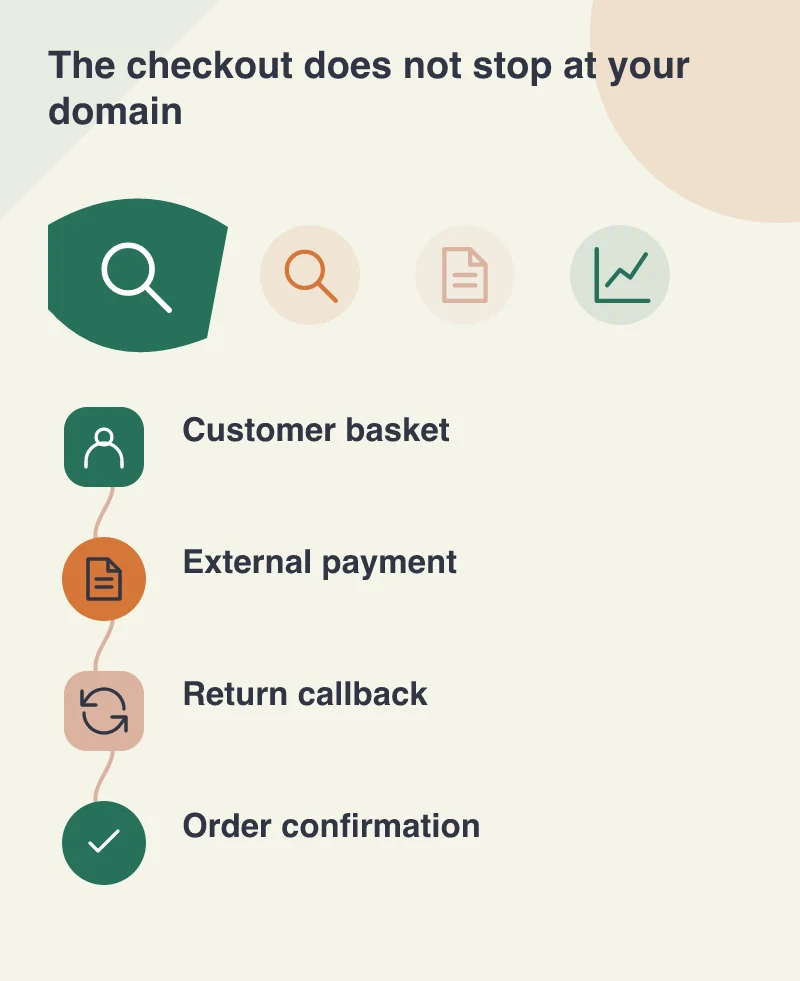
Consider a shop using an off-site payment screen. A useful test starts with adding a product, changing delivery information and signing in. It then follows the redirect to the provider and the return to the shop. Check whether the confirmed order can be found and whether refreshing the confirmation causes an unexpected second action.
Repeat the journey with a cancelled payment and with a failed attempt. These are ordinary customer situations, not obscure technical edge cases. A convincing success screen means little if a cancellation loses the basket or a retry associates the wrong session with the order. Keep test payments clearly separated from real transactions.
Give each supplier a precise question
Ask the payment and identity providers which cookies their integration expects to travel across sites, and whether their supported integration already declares the required attributes. Share the affected browser behaviour rather than reporting that checkout sometimes breaks. The more exact the reproduction steps, the more useful the response is likely to be.
Your own developer should also review the application’s cookie configuration and HTTPS handling. A secure connection needs to be recognised correctly behind a proxy or load balancer. Otherwise the infrastructure and application may disagree about the context in which a cookie is being set, even though the address bar looks reassuring.
Treat browsers as a moving dependency
A release checklist should include more than server software and installed extensions. Browsers interpret the connection between all those parts. Keep a short list of business journeys that cross a domain boundary and test them when relevant browser announcements appear.
For a service business that list may mean a scheduling form and single sign-on. For a retailer it may include payments, account access and an embedded product configurator. Naming these journeys makes ownership visible. It also helps a non-technical manager understand why a small cookie setting can deserve time on the development calendar: it protects a customer task that already matters.