
A business may accept no payments online and still ask customers for information worth protecting. A contact form can contain a name, an email address and a detailed description of a project. Chrome’s announced October changes extend its HTTP warning to more situations involving user input. That makes this a useful month to stop treating HTTPS as something reserved for an online shop’s payment page.
The journey to the form matters
Google’s April announcement set out warnings for users entering data on HTTP pages and for HTTP pages opened in Incognito mode, beginning with Chrome 62. The reason is the connection carrying the data, not whether the form looks commercially sensitive. Moving the form alone is an incomplete answer if the visitor reaches it through insecure pages or the submission is sent to an insecure destination.
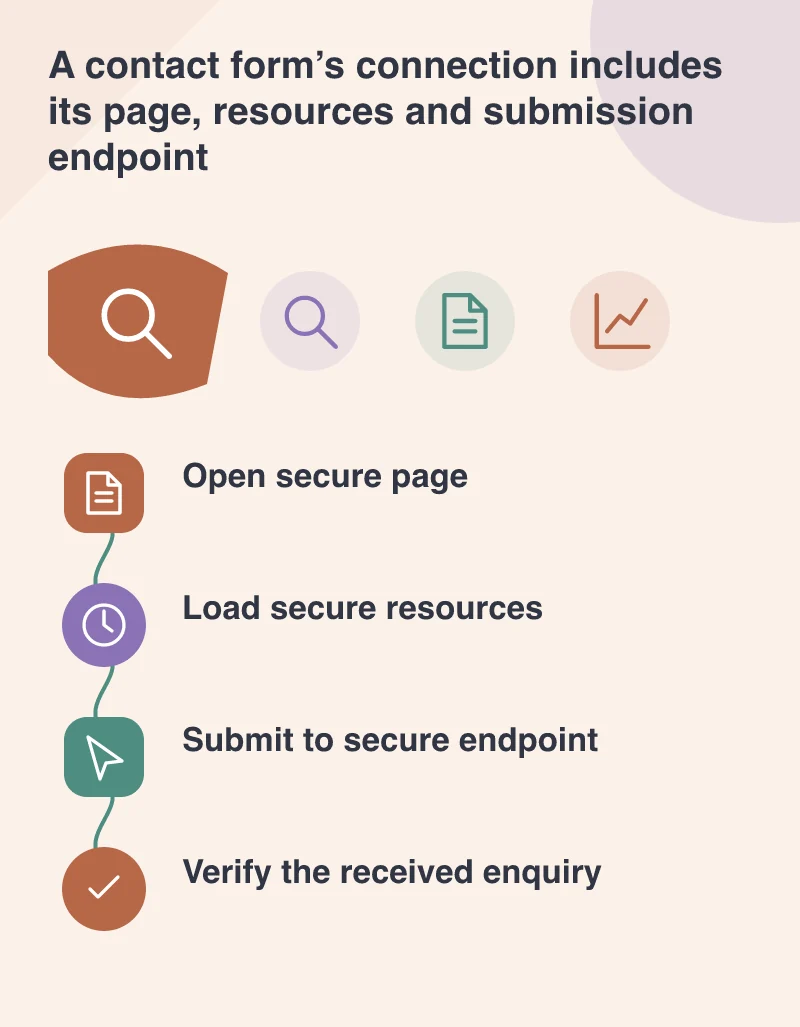
Take a design studio as an example. Review the page that displays the form, the address that receives its submission and the confirmation page. The browser should not have to switch unexpectedly between secure and insecure versions. HTTPS protects information in transit; it does not by itself decide who can read an enquiry once it has arrived or whether a form stores more information than the business needs.
Plan the move as a site change
A certificate is one part of the work. Existing links, image addresses, scripts, redirects and external services can all affect how the secure page behaves. A secure document that loads an old insecure resource may still have a problem. Use a staging plan and check representative pages, especially those containing forms, embedded media or assets whose addresses were entered manually in the CMS.
Choose a consistent public version of each page and make the old addresses lead to it appropriately. Update the website’s own links instead of relying on a chain of redirects for every click. Keep access to the certificate’s renewal process with the project’s maintenance record, so the site does not depend on a reminder sent to a former supplier’s inbox.
Check what happens after pressing send
A form test should follow the message beyond the button. Verify the confirmation the visitor receives and the notification or stored record the business expects. Use a clearly marked test enquiry and avoid including private customer information. It is possible for the connection to be correctly encrypted while a configuration mistake prevents the enquiry reaching the team.
This October, HTTPS is a practical website-quality task, not simply a badge to display in the address bar. Protect the connection, preserve working links and verify the complete enquiry journey. Then give the business a clear description of what was checked and who owns renewal. A customer should be able to ask an ordinary question without their browser warning that the website is failing to protect the route it takes.
Ask the office team to recognise the test message from its subject and verify the reply address. That small check catches a different class of mistake from a browser connection check: the site may send mail successfully while giving staff no usable way to answer the person who wrote.