
A visitor should not need to understand encryption to feel comfortable opening your website. Chrome 68 began rolling out a warning for HTTP pages on 24 July. If your site still uses HTTP, that warning can now appear before a visitor has typed anything into a form. Moving to HTTPS is a whole-site job: installing a certificate is necessary, but the pages, links and connected services must follow the same route.
Start where the visitor starts
People arrive through saved bookmarks, search results, old emails and links on other websites. They do not all type the preferred address shown in your latest brochure. Try the main combinations of your site’s address and several old page links. They should lead to the intended HTTPS page without a chain of unnecessary detours or a certificate error.
A certificate needs to cover the hostnames being used and remain valid. Agree who handles renewal and who is alerted if it fails. A migration that works only until the first renewal is an unfinished maintenance arrangement. Ask the host to explain that responsibility in plain terms rather than leaving it hidden in a control-panel setting.
The page can contain insecure pieces
Imagine opening a secure service page whose photographs, stylesheet or embedded widget still point to HTTP addresses. The main document’s connection does not automatically rewrite every resource it loads. Review the page’s requests and correct old references in templates, saved content and integrations. Be careful with database changes: a controlled migration tool is safer than an improvised replacement across unknown data formats.
Check representative templates, including older articles and special campaign pages. These often use media or embeds that are absent from the home page. If an external provider cannot supply a resource securely, decide whether it can be replaced or removed. Do not preserve an unnecessary widget at the expense of a coherent connection for the whole page.
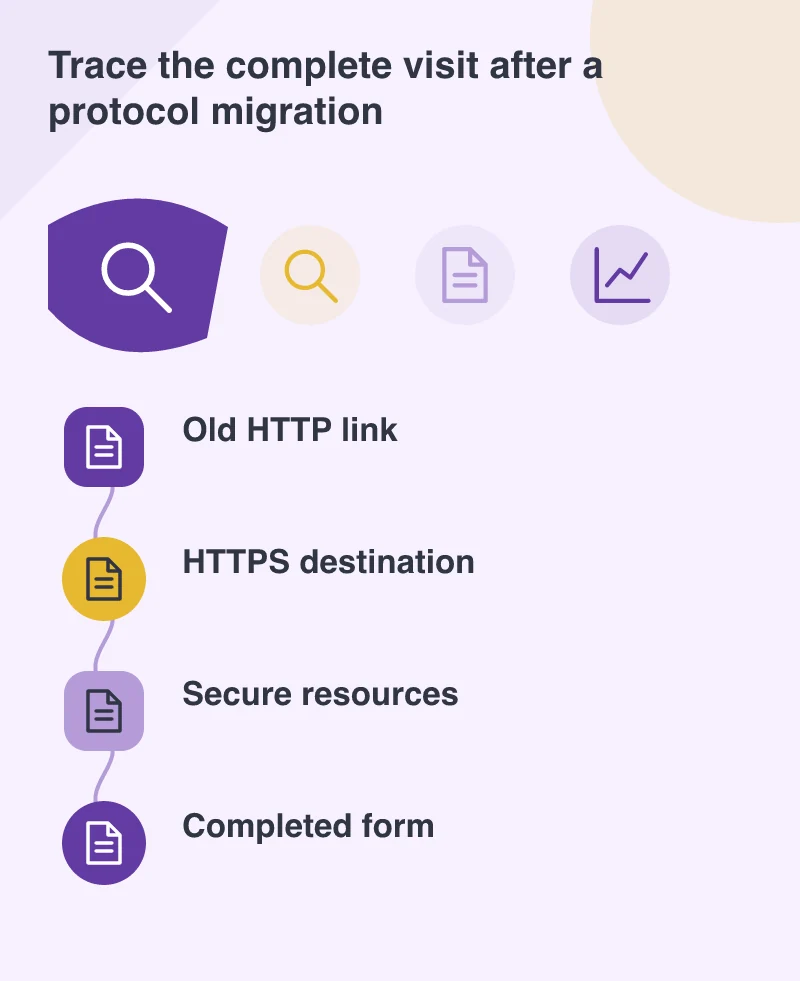
Follow the data after pressing Submit
A form deserves an end-to-end check. Its page, submission destination and any return address should be appropriate for HTTPS. Use clearly identified test information and confirm that the receiving system gets it. Inspect any payment, booking or account service through its supported test route. A successful-looking confirmation screen alone does not establish that the intended record was created.
For a small business, this is also a chance to remove outdated forms. An abandoned campaign enquiry route can still collect personal details even when the main navigation no longer exposes it. Either maintain it deliberately or provide a suitable destination explaining where the visitor should go.
Tell search systems which address you intend
Update internal links, canonical references and sitemaps to the intended HTTPS addresses. Keep useful redirects from old HTTP URLs and review Search Console configuration with the person responsible for search. Preserve established page paths where possible; changing the protocol and rewriting the information structure together creates more work to verify.
HTTPS protects the connection. It does not prove that the business behind the site is trustworthy or that every application flaw has been fixed. Present it honestly and continue normal security maintenance. The immediate goal is straightforward: someone following an old link should reach the right page, read it without connection warnings and complete their task through a consistent secure route.