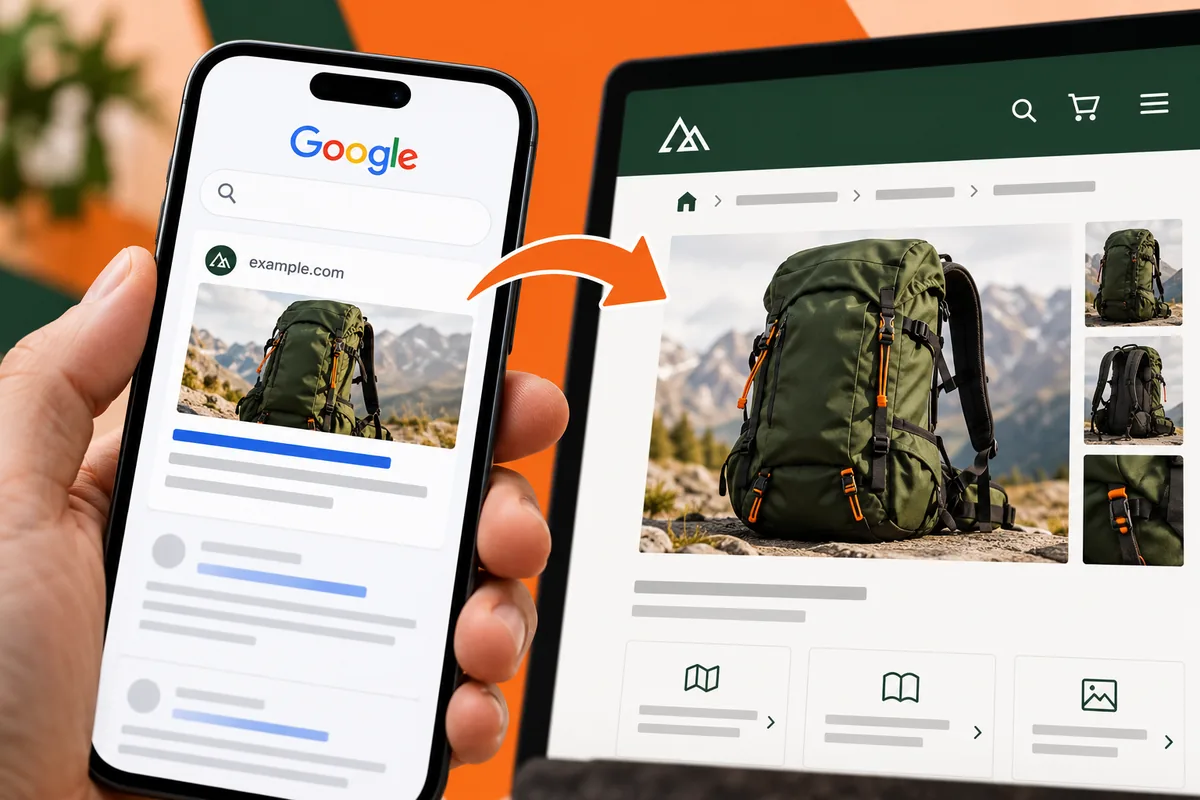
A customer arrives on a detailed page from search and cannot tell how it relates to the rest of the website. The result looked relevant; the destination feels stranded. Google’s January change simplifies the visible URL element on mobile search results by removing breadcrumb presentation there. That is a search-display change, not a reason to remove useful context or navigation from the website itself.
Distinguish the search result from the page
The announcement applies to the way Google displays URLs on mobile, while breadcrumbs continue on desktop results. It does not say that a site’s own breadcrumb navigation has become unnecessary. A page and a search snippet serve different moments in the same journey.
Keep a clear heading and an introduction that confirms the subject quickly. A visitor arriving directly on an article, category or product page has not necessarily seen the homepage. They should not need the missing part of their browsing history to understand what the current page offers.
Give internal links a meaningful job
A product page can link to its category, a relevant buying guide and supporting information that helps a customer decide. Those routes should be useful to the reader, not a decorative collection of keywords. A link label needs to describe the destination clearly enough that the visitor can choose it with confidence.
Review the route back to a broader view. A customer who reaches the wrong product variant may still be interested in the range. A sensible category link or comparison route can help them continue, while an isolated page with only a contact button gives them little room to orient themselves.
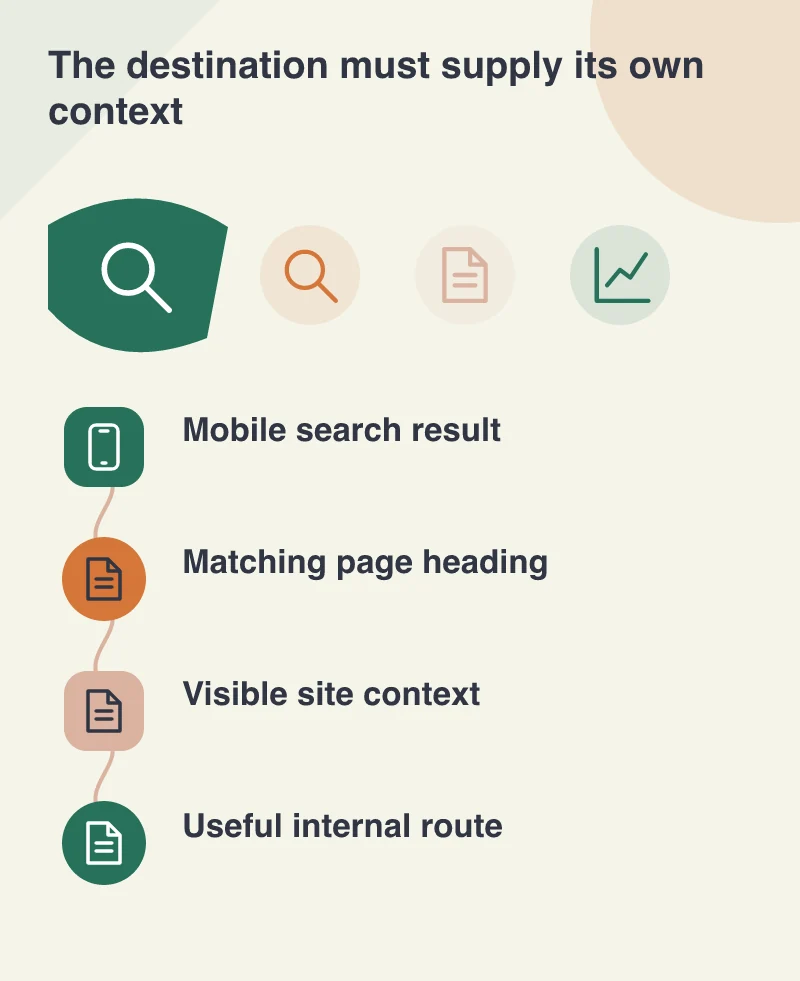
Keep the hierarchy consistent
The navigation label, page title and content should agree about the role of the page. If the menu says installation guides but the destination is a general service promotion, the user has been given a misleading cue. Search visibility does not repair that mismatch.
On larger sites, document which pages serve as overviews and which answer narrower questions. That helps editors choose internal links and reduces duplicated pages competing to explain the same thing. The structure should reflect how a person explores the subject, rather than only the organisation’s internal departments.
Review a direct mobile arrival
Open an important deep link on a phone without first visiting the homepage. Ask a fresh reader to explain what the page covers and where they would go next. Notice whether a prominent campaign banner, unclear heading or missing navigation obscures the answer.
Then compare the search result with the destination’s actual content. The strongest response to a simpler snippet is a page that does not depend on the snippet to explain itself. Clear headings, purposeful breadcrumbs where appropriate and connected internal routes make the visitor’s next decision easier, whatever presentation the search engine chooses to display.